
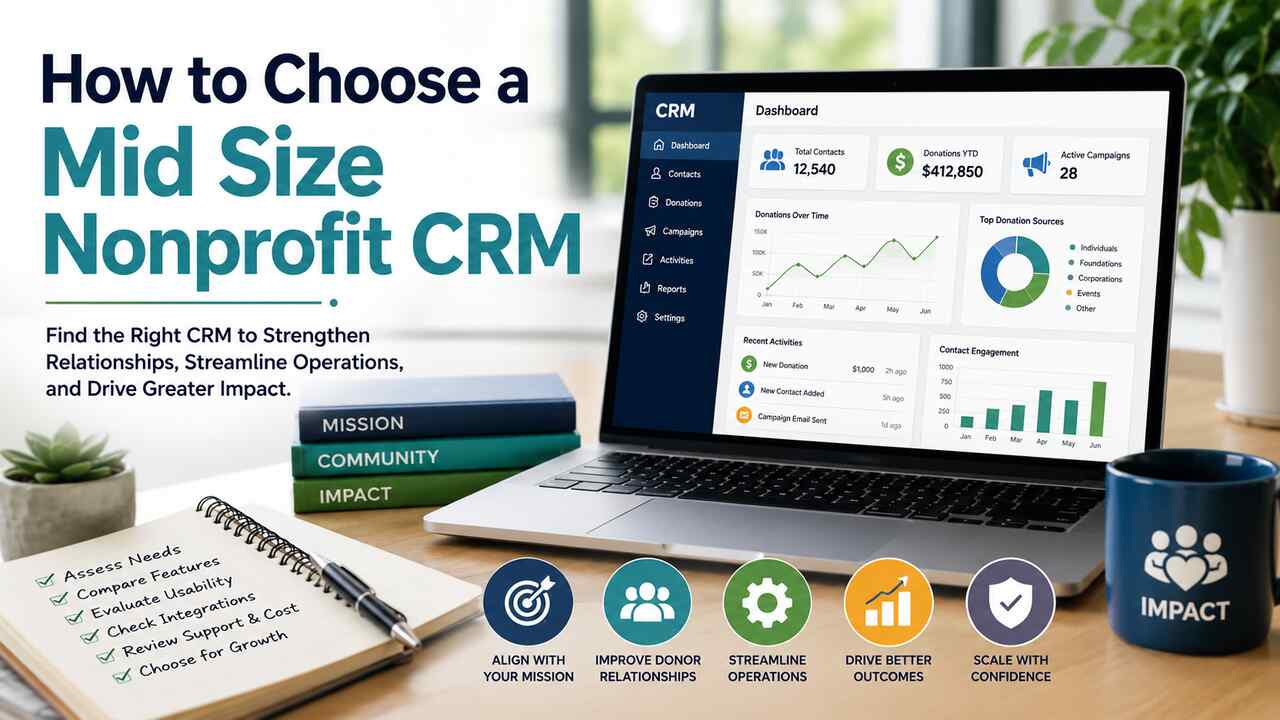
Choosing a mid-size nonprofit for a customer relationship management system for your organization could feel overwhelming at first. Today, there are literally hundreds of CRMs to choose from. But here is the thing: not all CRMs are equal.
Some CRMs will be better suited for very small nonprofits that are just getting started, and others are more suitable for mid-sized nonprofits that manage larger donor bases, multiple programs, and more complex fundraising campaigns.
Your CRM isn’t just a software tool. It will be the engine that drives your donor engagement forward. Here’s how to ensure that you choose a CRM that is appropriate for your mid-sized nonprofit and that will support your growth and efficiency.
Start Strong With Ascend by Kindsight
When it comes to picking a CRM for a mid-size nonprofit, why start with anything less than a platform built to help you thrive? Ascend by Kindsight is a fundraising CRM that’s made for growing nonprofits. It packs enterprise-level power into a friendly, easy-to-use interface, giving your development team the tools to manage donors, automate campaigns, and make smarter, faster decisions without requiring a tech degree to figure it out.
Key highlights of Ascend:
- Effortless donor segmentation – organize supporters by giving history, engagement, or campaign interactions.
- Personalized communications – tailor messages automatically based on donor preferences and behavior.
- Automated workflows – save time with pre-set email sequences, reminders, and acknowledgments.
- Advanced analytics and reporting – dashboards and predictive tools make trends visible and actionable.
Real-world scenario: Imagine your nonprofit is launching a year-end campaign. With Ascend, you can automatically segment donors who gave last year but not yet this year, send personalized emails highlighting the projects they previously supported, and track real-time engagement to adjust messaging for those who haven’t opened your emails
Research supports that “integrating CRM dashboards with social media analytics provides valuable insights into how online engagement translates into donations.” The study goes on to say, “by analyzing data from various channels in one centralized location, nonprofits can identify which platforms yield the highest return on investment and allocate resources accordingly.”
With Ascend, these insights are not just theory; they are practical tools your team can use to optimize campaigns and maximize donor impact.
Reflection: Think about your current CRM or system. How easy is it to segment donors and personalize communication right now? Could this process be automated to save your team time and improve results?
Segment Like a Pro
Segmentation is the backbone of targeted fundraising. When you can organize supporters by giving history, demographics, interests, or engagement level, you can speak directly to their motivations and see better results.
Why segmentation matters:
- Tailor appeals to new donors vs. long-term supporters.
- Track behavior and engagement to predict giving patterns.
- Improve response rates by sending the right message to the right person at the right time.
Practical exercises:
- Identify three donor segments that are currently underserved.
- Experiment with messaging tailored to each segment for your next campaign.
- Monitor response rates and see which segmentation strategy performs best.
Example: A mid-size arts nonprofit used segmentation to separate donors into “first-time donors,” “recurring donors,” and “major donors.” When they sent personalized thank-you videos to first-time donors, the retention rate increased by 15% within six months.
Tip: Look for dynamic, auto-updating lists in your CRM. This ensures your segmentation stays current without manual updates, saving staff hours every month.
Personalize Every Message
Generic emails are easy to ignore. Personalized outreach can dramatically increase donor engagement, loyalty, and lifetime value.
With the right CRM, you can:
- Include names and past donation history automatically.
- Send appeals based on specific giving patterns or project interests.
- Automate follow-ups for lapsing or inactive donors.
Scenario: Imagine a donor made a donation last year to a STEM education project. Instead of a generic “thank you for your support” email, your CRM sends a personalized message:
- References the project they supported.
- Shares recent outcomes or success stories.
- Provides a next-step action, like a new giving opportunity related to STEM.
Pro tip: Some CRMs allow you to create personalized URLs for campaigns. Donors who click through see a landing page customized to their previous engagement, reinforcing the feeling that your nonprofit values them as individuals.
Exercise: Map out the top three ways you could personalize your donor communications this year. Which ones could your CRM automate?
Automate for Efficiency
Automation isn’t just convenient, it’s essential for mid-size nonprofits managing growing donor bases and campaigns.
What can you automate?
- Welcome series for new donors
- Thank-you and acknowledgment emails
- Recurring donation reminders
- Birthday or anniversary messages
Reflection question: What repetitive tasks in your current donor workflow could be automated? Imagine freeing your team to focus on strategic initiatives instead.
Turn Data Into Action
Analytics transforms donor data into actionable insights. A strong CRM provides real-time metrics and predictive analytics.
Key analytics features for mid-size nonprofits:
- Real-time dashboards with campaign performance metrics
- Donor retention and attrition tracking
- Predictive analytics for campaign planning
- Giving trends over time, by segment or project
Scenario: Your CRM highlights that small-dollar donors in a recurring donation program are less engaged than larger donors. You launch a targeted micro-donor appreciation campaign, resulting in increased retention and gift size.
Tip: When evaluating CRMs, ask about their analytics capabilities beyond simple reporting. Real insights allow your nonprofit to pivot strategies and maximize ROI.
Steps to Evaluate CRM Options
Here’s a step-by-step guide to ensure you pick the right system:
- Audit Your Needs: List must-have vs. nice-to-have features. Consider current workflows and anticipated growth.
- Test Use Cases in Demos: Try scenarios like sending a welcome email, segmenting donors, or running a report.
- Check Integrations: Ensure it works with your email, payment, event, and volunteer systems.
- Assess Support & Training: Does the vendor provide live support and clear onboarding?
- Compare Cost & ROI: Evaluate setup, training, automation benefits, and fundraising gains.
Interactive idea: Create a scoring matrix with your team. Rank each feature 1–5 based on importance. This makes side-by-side CRM comparisons much clearer.
Scalability and Adoption Matter
A CRM must grow with your nonprofit. When evaluating platforms, consider:
- Data capacity: Can it handle expanding donor lists, additional programs, and more complex campaigns?
- User interface: Is it intuitive for staff, volunteers, and part-time team members?
- Adoption: Will your team use it consistently, or risk reverting to spreadsheets or outdated processes?
To support adoption, focus on:
- Comprehensive staff training to ensure everyone feels confident using the system.
- Highlighting the time-saving benefits of automation and streamlined workflows.
- Simplifying dashboards and reports to make key data easy to access and understand.
By prioritizing usability, scalability, and training, your nonprofit will ensure that the CRM becomes a tool your team relies on to work efficiently and grow your impact over time.
Emerging Trends in Mid-Size Nonprofit CRMs
To ensure your investment is future-proof, consider features that are increasingly critical:
- Mobile access: Staff and volunteers can update records in real time from events or site visits.
- Peer-to-peer fundraising support: Empower donors to create campaigns for your cause.
- Social fundraising integrations: Connect campaigns directly to social media to increase reach.
- Volunteer and event management: Track volunteer hours, assignments, and participation metrics seamlessly.
These trends enhance engagement and reduce manual workload, ensuring your CRM continues to provide value as your nonprofit grows.
Your CRM Is a Key Partner in Your Mission
For a mid-size nonprofit, the right CRM helps you build stronger relationships, run more effective campaigns, and save valuable time.
A good CRM enables you to:
- Segment donors and supporters efficiently
- Personalize communications at scale
- Automate repetitive tasks
- Leverage real-time insights to guide decisions
Ask your team: “Which platform will help us achieve these goals most efficiently?”
