


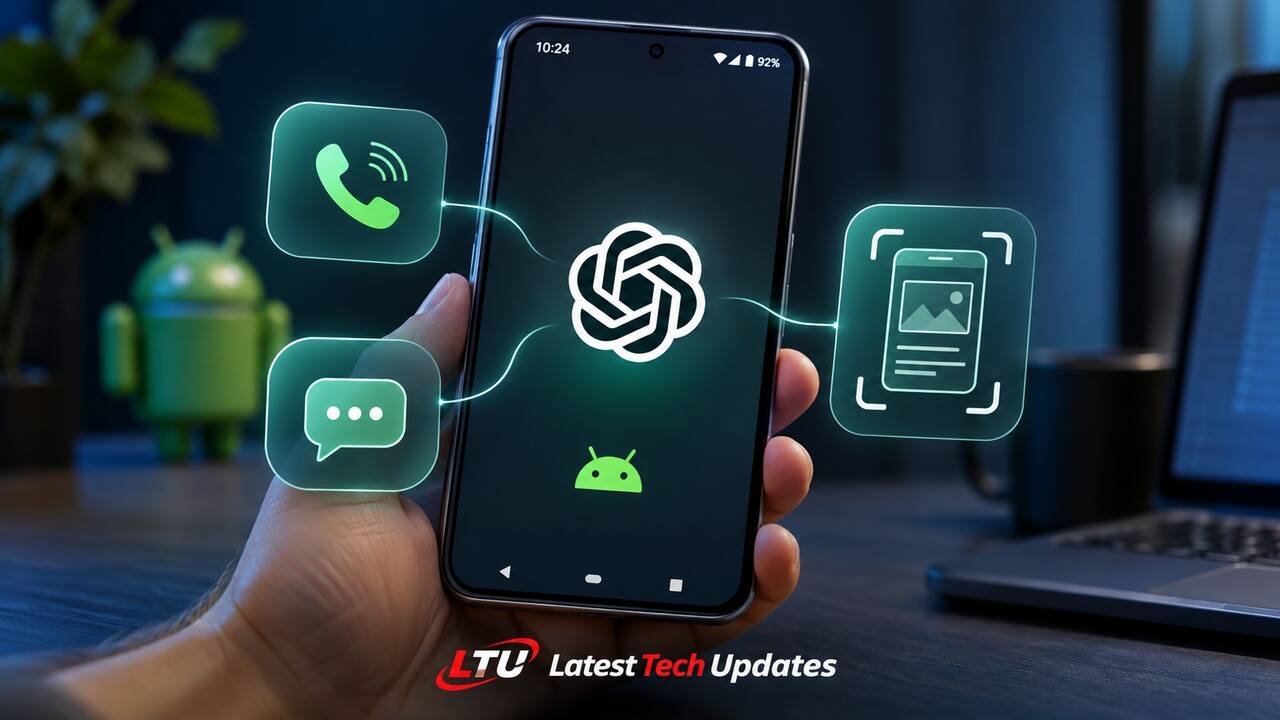
ChatGPT could get closer to Gemini on Android with the ability to place calls, send texts, control media playback and answer questions about what’s on your screen. A Nov. 27 teardown of the ChatGPT Android app uncovered references to those features. OpenAI has yet to announce a public rollout.
What the ChatGPT Android app revealed
Android Authority found permission prompts in ChatGPT version 1.2026.328 for looking up contacts, reading recent calls, placing calls, and reading and sending SMS messages. The teardown also found references to notification access for media playback and a setting that would let ChatGPT use screen and app data. Android Authority teardown
What the media controls could do
The app code points to controls for an existing media session, such as pausing a podcast, resuming playback or skipping a track. Those actions would depend on the user granting notification access and the player exposing the relevant controls. The code describes resuming the current session, so a request to play a specific song would go beyond what the teardown showed.
How screen context could work
The screen feature could change how you ask follow-up questions. The code suggests ChatGPT could take a fresh look each time you ask about what’s visible. If you switched from a product listing to a reviews page, for example, your next question could use the new page as context. The teardown shows how the feature might work if it ships.
The code also contains references to using a ChatGPT Dot as the phone’s assistant and allowing it to work while the device is locked. The teardown leaves open which actions, if any, a Dot could perform from the lock screen.
What ChatGPT and Gemini can do today
You can already select ChatGPT as the default assistant on supported Android devices. That gives you a shortcut to ChatGPT, while the new call and SMS controls remain unconfirmed for public release. Eligible subscribers can also share their screens manually in Advanced Voice on Android by choosing Share Screen during a conversation. Another way to use ChatGPT by voice on Android is through Lucyd smart glasses with hands-free ChatGPT Voice. For more on spoken conversations and how ChatGPT handles interruptions, see our coverage of OpenAI’s GPT-Live voice features.
Gemini already handles calls, texts and playback on Android, including tasks such as pausing a song. Google also lets users opt in to calls and texts from Gemini while the phone is locked.
Gemini can also open over another app and answer questions about what’s visible when screen context is enabled. That’s the practical advantage the ChatGPT code points to. If OpenAI ships a similar feature, you could ask about a page while you’re looking at it without starting a screen-sharing session. As of Nov. 28, there’s no U.S. release date or confirmed list of supported phones or plans.
