
Highlights
- Text-to-video AI workflow converts written prompts into complete videos through structured stages like prompt design, scene creation, motion generation, and rendering
- Prompt clarity directly impacts video quality because detailed descriptions guide visual accuracy and storytelling consistency
- Scene generation builds the visual foundation by translating text into frames with proper composition and context
- Motion synthesis connects frames into smooth sequences, improving realism and viewer engagement
- Rendering enhances final output through resolution, color grading, and optimization for different platforms
- Different tools support different stages, so combining multiple platforms improves flexibility and results
- Benefits include speed, cost efficiency, and creative freedom, while limitations involve refinement and consistency challenges
- Beginners improve results by practicing prompt writing, analyzing outputs, and refining workflows step by step
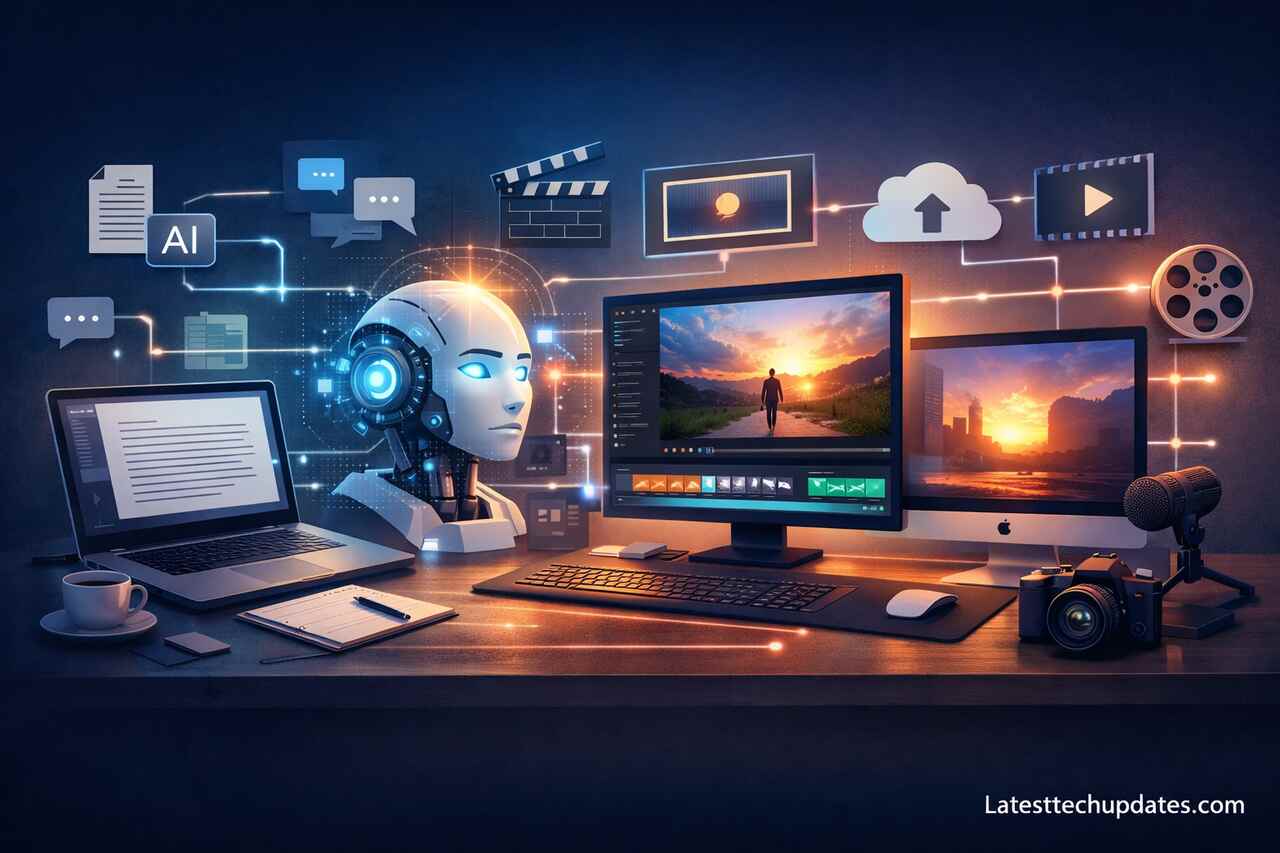
Text-to-video AI workflow refers to a structured process where written prompts are transformed into fully generated videos using artificial intelligence models. The workflow includes prompt design, scene generation, motion synthesis, rendering, and refinement, all connected through automated systems that convert language into visual storytelling.
What is a Text-to-Video AI Workflow and How Does It Work?
A text-to-video AI workflow converts written instructions into dynamic video content through machine learning models trained on visual and linguistic data. The process begins with a prompt that defines scenes, actions, styles, and emotions. That prompt acts as a blueprint that guides the AI model toward generating frames, sequences, and transitions that match the description.
A structured workflow improves consistency because each step builds on the previous one. Prompt clarity affects scene generation, while scene generation affects animation quality. That chain creates a cause-and-effect relationship where weak input leads to weak output, and refined input produces visually coherent results.
From my experience, beginners often underestimate how important structure is. I used to write random prompts and expect cinematic results. After refining my workflow step by step, results became dramatically better. That improvement came from understanding how each stage contributes to the final output.
Prompt Engineering Basics
Prompt engineering defines the instructions that guide the AI model. A detailed prompt includes subject, environment, motion, camera angle, and lighting conditions. Clear prompts reduce ambiguity and improve visual accuracy.
Video Generation Process
Video generation combines frame synthesis and motion interpolation. The system generates key frames first, then fills transitions between frames to create smooth motion sequences.
Why is Prompt Design the Most Important Step in the Workflow?
Prompt design controls the entire creative direction of the video because AI models rely on textual input to interpret visual output. A strong prompt includes descriptive language, contextual elements, and stylistic references that guide the system toward a specific outcome.
Specificity improves results because AI models interpret patterns rather than intentions. When a prompt includes details like “cinematic lighting,” “slow camera pan,” or “realistic textures,” the model aligns generated visuals with those attributes. Vague prompts lead to generic outputs, while detailed prompts produce high-quality scenes.
I learned this through trial and error. When I started adding emotional tone and camera movement into prompts, the generated videos became more engaging. That shift helped me realize that prompt writing is not just instruction but creative direction.
Descriptive Language Techniques
Descriptive language enhances clarity by specifying colors, textures, and motion. Words like “golden sunset lighting” or “fast-paced action” help the model generate accurate visuals.
Style and Tone Definition
Style definition sets the visual identity of the video. Options include realistic, animated, cinematic, or futuristic, each influencing how scenes are rendered.
How Does Scene Generation Transform Text into Visual Frames?
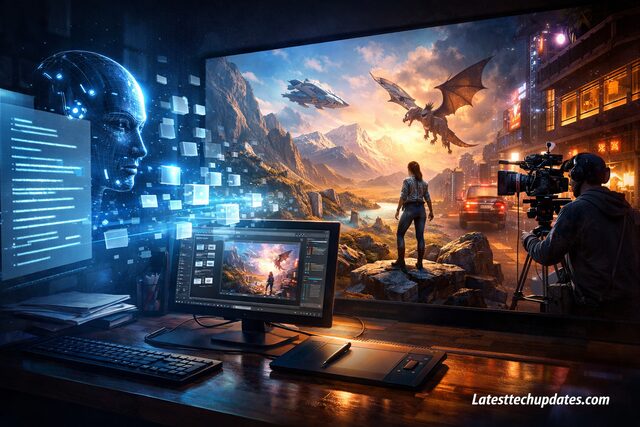
Scene generation translates textual descriptions into individual frames that represent moments in the video. Each frame acts as a building block that contributes to the overall sequence, ensuring continuity and visual storytelling.
AI models analyze relationships between objects described in the text and place them within a visual context. Spatial arrangement, perspective, and composition are determined based on learned patterns from training data. That process ensures that scenes look coherent rather than randomly assembled.
From my perspective, scene generation feels like watching imagination come to life. When I input a detailed scenario, the output often surprises me with how closely it matches my vision. That experience reinforces the importance of clarity in descriptions.
Frame Composition Principles
Frame composition controls how elements are arranged within each scene. Balanced composition improves visual appeal and ensures that important elements remain the focus.
Contextual Consistency
Contextual consistency maintains continuity between frames. Consistent lighting, object placement, and character appearance prevent visual disruptions.
What Role Does Motion Synthesis Play in Video Creation?
Motion synthesis connects static frames into fluid sequences by generating movement between images. The system predicts how objects should move based on physics, context, and temporal relationships.
Smooth motion enhances realism because abrupt transitions break immersion. AI models use interpolation techniques to create intermediate frames, ensuring natural movement. That process allows scenes to flow seamlessly from one moment to another.
I noticed that motion quality often separates amateur-looking videos from professional ones. When motion feels natural, viewers stay engaged. When motion feels robotic, attention drops quickly. That observation changed how I evaluate generated videos.
Frame Interpolation
Frame interpolation generates intermediate frames between key visuals. This technique ensures smooth transitions and realistic movement.
Temporal Consistency
Temporal consistency maintains logical progression across frames. Objects move predictably, and actions follow natural sequences.
How Does Rendering and Output Optimization Improve Video Quality?
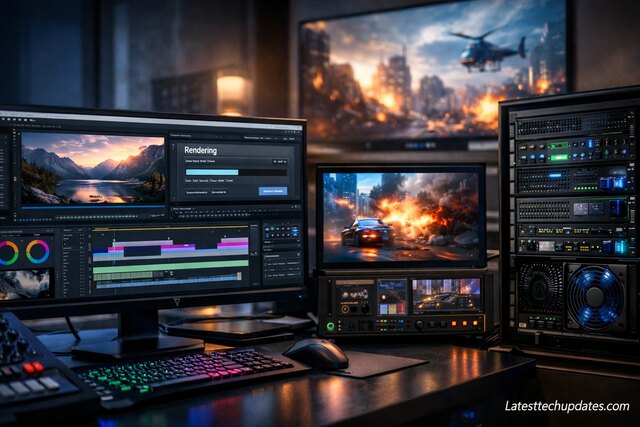
Rendering converts generated frames into a finalized video file with enhanced resolution, color grading, and visual effects. Optimization ensures that the output meets platform requirements and maintains quality across devices.
High-quality rendering improves clarity, sharpness, and visual depth. Techniques such as upscaling and noise reduction refine the final output. That refinement transforms raw AI-generated sequences into polished videos suitable for professional use.
From my own workflow, rendering used to feel like a minor step, but I realized that final adjustments make a huge difference. A well-rendered video looks significantly more professional than an unoptimized one.
Resolution Enhancement
Resolution enhancement increases visual clarity by refining pixel density. Higher resolution improves detail and overall viewing experience.
Color Grading Techniques
Color grading adjusts tones and contrast to create a consistent visual style. Proper grading enhances mood and storytelling.
What Tools and Platforms Are Commonly Used in Text-to-Video Workflows?
Various tools support text-to-video workflows by offering different capabilities such as prompt-based generation, editing, and rendering. Each platform focuses on specific aspects of the process, allowing users to choose tools based on their needs.
Different platforms provide varying levels of control and customization. Some prioritize ease of use, while others offer advanced features for professional creators. Understanding tool capabilities helps users select the right platform for their workflow.
From my experience, experimenting with multiple tools helped me understand their strengths. Some tools excel in realism, while others perform better in animation. That experimentation allowed me to build a more flexible workflow.
| Tool Type | Primary Function | Best For |
| Prompt-Based Generators | Convert text into video | Beginners |
| Editing Software | Refine and edit scenes | Intermediate users |
| Rendering Engines | Finalize video output | Professionals |
Beginner-Friendly Platforms
Beginner-friendly platforms simplify the workflow with intuitive interfaces. These tools reduce complexity and allow quick video generation.
Advanced Editing Tools
Advanced tools provide detailed control over scenes, motion, and effects. These tools suit users who require precision and customization.
What Are the Benefits and Limitations of Text-to-Video AI?
Text-to-video AI offers efficiency, scalability, and creative flexibility. Users can generate videos quickly without traditional production resources. That capability reduces costs and expands creative possibilities.
Limitations exist in areas such as accuracy, consistency, and control. AI-generated content may require manual adjustments to achieve desired results. Understanding these limitations helps users set realistic expectations.
From my journey, I see AI as a powerful assistant rather than a replacement for creativity. When used correctly, AI enhances productivity, but human input remains essential for achieving meaningful results.
| Aspect | Advantage | Limitation |
| Speed | Rapid content creation | May lack precision |
| Cost | Reduces production expenses | Quality varies |
| Creativity | Expands possibilities | Requires refinement |
Advantages of AI Video Creation
AI enables fast production, reduces workload, and allows experimentation with different styles and ideas.
Challenges and Constraints
Challenges include maintaining consistency, achieving realism, and refining outputs to meet professional standards.
How Can Beginners Start Using Text-to-Video AI Effectively?
Beginners can start by understanding workflow basics and practicing prompt writing. A structured approach helps users gradually improve their skills and achieve better results.
Starting with simple prompts allows users to learn how AI interprets instructions. Gradual complexity improves understanding and builds confidence. Consistent practice leads to noticeable improvement in output quality.
When I started, I focused on experimenting rather than perfection. That mindset helped me learn faster and adapt to different tools. Progress comes from practice and refinement, not from expecting instant results.
Step-by-Step Beginner Approach
Start with simple prompts, analyze results, refine instructions, and gradually increase complexity to improve output quality.
Common Mistakes to Avoid
Avoid vague prompts, unrealistic expectations, and skipping workflow steps, as these reduce overall video quality.
Conclusion
Text-to-video AI workflow transforms written ideas into visual content through a structured process that includes prompt design, scene generation, motion synthesis, rendering, and optimization. Each step builds on the previous one, creating a connected system that converts language into video.
A clear understanding of workflow stages improves output quality and consistency. Strong prompts guide scene creation, while motion synthesis and rendering refine the final product. That connection highlights the importance of mastering each stage.
From my experience, success in text-to-video AI comes from experimentation, patience, and continuous learning. Improvement happens when users treat the workflow as a creative process rather than a one-click solution.
FAQ’s
What is text-to-video AI?
Text-to-video AI is a technology that converts written prompts into video content using machine learning models.
Do I need technical skills to use text-to-video AI?
Basic understanding of prompts and workflow is enough for beginners, while advanced users benefit from technical knowledge.
How long does it take to create a video?
Creation time depends on complexity, but AI significantly reduces production time compared to traditional methods.
Can AI-generated videos replace traditional video production?
AI enhances efficiency but does not fully replace human creativity and professional production techniques.
What is the best way to improve results?
Improving prompt quality, understanding workflow stages, and practicing consistently lead to better outcomes.
