


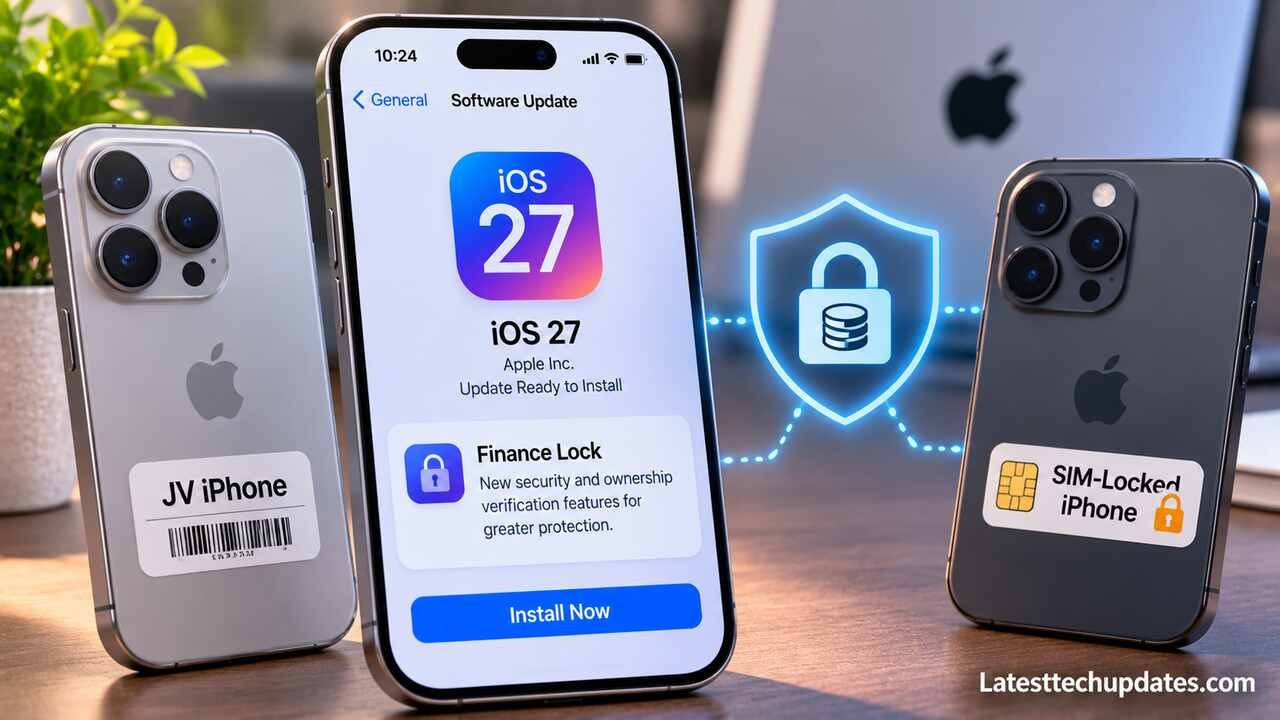
Apple’s iOS 27 Finance Lock has raised concerns among JV and SIM-locked iPhone owners, particularly those using imported devices purchased through overseas carrier financing programs. However, there is currently no confirmed evidence that installing iOS 27 automatically blocks all JV iPhones.
The controversy began in June 2026 when iOS researcher Aaron Perris reportedly discovered finance-related references within iOS 27 beta code. Subsequent findings revealed more details about potential device restrictions associated with financing agreements.
With iOS 27 now publicly available, understanding the difference between confirmed policies and speculation is essential for both buyers and retailers.
What Is the iOS 27 Finance Lock?
Finance Lock refers to a reported device restriction mechanism designed to manage iPhones associated with financing agreements. It could allow authorized financing partners to restrict certain device functions when contractual obligations are not fulfilled.
In July 2026, 9to5Mac reported that iOS 27 beta code contained references to several related technologies:
- Partner Finance Lock
- Restricted Mode
- App Managed Features
- Financing-related activation verification
- Device restrictions associated with outstanding payments
The reported system could limit access to certain applications or introduce additional activation requirements for enrolled devices.
However, discovering these capabilities in software code does not establish that Apple applies them to every financed or carrier-locked iPhone.
What Has Apple Officially Confirmed?
Apple launched its new Apple Upgrade leasing program in the United States on July 28, 2026, in partnership with Klarna.
Apple subsequently confirmed to The Verge that missing payments under this specific leasing program would not trigger Restricted Mode or limit device functionality.
The circumstances under which the reported Finance Lock technology may be used outside this program remain uncertain.
Why Are JV and SIM-Locked iPhones Affected by These Concerns?
JV iPhones is an unofficial market term commonly used in Pakistan for imported carrier-locked devices. Some of these smartphones originate from international carrier financing programs, while others may have different contractual restrictions.
Their lower prices make them attractive to consumers who cannot justify the cost of an officially unlocked model.
However, purchasing a JV iPhone can introduce several risks:
- Outstanding carrier installment payments
- Limited network compatibility
- IMEI blacklisting
- Unofficial SIM unlocking dependencies
- Activation difficulties
- Reduced resale value
- Uncertain ownership or financing history
According to Apple’s iPhone purchasing policies, devices purchased through qualifying AT&T, T-Mobile or Verizon financing plans can remain carrier-locked until fully paid.
This existing carrier financing policy should not be confused with the reported iOS 27 Finance Lock system.
Finance Lock vs. Carrier Lock vs. Activation Lock
Although these restrictions are often discussed together, they serve different purposes.
| Lock type | Primary purpose | Status |
|---|---|---|
| Finance Lock | Potential enforcement of financing agreements | Reported software mechanism |
| Carrier Lock | Restricts compatibility with other mobile networks | Established restriction |
| Activation Lock | Prevents unauthorized use of lost or stolen devices | Established Apple security feature |
| IMEI Blacklist | Prevents flagged devices from accessing participating networks | Established network restriction |
| PTA Restriction | Limits unregistered or noncompliant devices on Pakistani networks | Established regulatory mechanism |
A carrier-locked iPhone does not necessarily have outstanding installments. Similarly, an unlocked iPhone is not automatically guaranteed to be free from financing obligations or ownership disputes.
Buyers should verify each restriction independently instead of relying on a seller’s description.
Will iOS 27 Lock Existing JV iPhones?
There is no confirmed universal policy stating that updating to iOS 27 will disable existing JV iPhones.
Apple publicly released iOS 27 in 2026, and its official software release documentation lists iOS 27.2.1 as a November 9, 2026 release.
Despite the public availability of the operating system, evidence does not establish that every carrier-locked iPhone becomes subject to Finance Lock after updating.
Individual devices may still encounter problems because of:
- Unpaid financing agreements
- Carrier restrictions
- Unsupported SIM or eSIM configurations
- Blacklisted IMEI numbers
- Existing Activation Lock
- Reliance on unofficial unlocking methods
An activation failure following a software update is not necessarily proof that Finance Lock has been applied.
Can a Factory-Unlocked iPhone Be Affected?
An officially unlocked iPhone is generally less vulnerable to carrier-related compatibility problems.
However, factory-unlocked status alone does not confirm that a phone has no financing obligations, ownership restrictions or other security-related issues.
Verifying the device’s complete history remains important when purchasing a second-hand smartphone.
Is It Safe to Update a JV iPhone to iOS 27?
Updating a JV iPhone to iOS 27 does not automatically mean the device will stop working. Nevertheless, phones relying on unofficial network workarounds may face compatibility issues that officially unlocked devices are less likely to experience.
Before installing a major software update:
- Verify your iPhone’s carrier lock status.
- Confirm whether the original financing agreement has been completed, where possible.
- Check the device’s IMEI status.
- Create a complete backup.
- Confirm your SIM or eSIM compatibility.
- Review Apple’s official software release notes.
- Prefer stable software releases over developer beta versions.
Following a reliable guide on how to back up your iPhone to a computer or the cloud can help protect your photos, contacts, messages and other important information before updating.
Avoid indefinitely postponing security updates solely because of unverified social media claims. If your device depends on an unofficial network workaround, consult the original carrier about legitimate unlocking options.
For users interested in the operating system’s other capabilities, our guide to iOS 27 features, setup and settings explains its software improvements.
How to Check Whether Your iPhone Is Carrier-Locked
Apple provides a straightforward method for checking the network restriction status of an iPhone.
Follow these steps:
- Open Settings.
- Select General.
- Tap About.
- Locate Carrier Lock.
If the device displays No SIM restrictions, it is carrier-unlocked.
If a carrier restriction appears, the phone may only support its designated network.
According to Apple’s official iPhone unlocking guide, only the relevant carrier can authorize a carrier unlock. Apple cannot independently remove this restriction.
Can You Check Finance Lock Through iPhone Settings?
Currently, there is no publicly documented universal consumer setting that reliably confirms whether an iPhone is free from all financing obligations.
The Carrier Lock section only identifies network restrictions. It does not provide a complete financing history.
Contacting the original carrier or financing provider and requesting supporting documentation from the seller is a more reliable approach.
How Could Finance Lock Affect JV iPhone Retailers?
If finance-related restrictions become widely implemented through supported financing programs, retailers selling imported and carrier-locked iPhones could face additional verification requirements.
Businesses may need to examine ownership records and outstanding financing obligations more carefully before purchasing devices from wholesalers.
Potential business implications include:
- Lower demand for devices with uncertain financing histories
- Reduced resale prices for restricted smartphones
- More customer requests for verified unlocked devices
- Additional inventory verification requirements
- Increased demand for transparent return policies
Retailers operating in the second-hand smartphone market should clearly distinguish factory-unlocked, officially carrier-unlocked and carrier-restricted iPhones.
As newer devices enter the market, developments surrounding the iPhone 18 Pro and its upgrade prospects may also influence consumer purchasing decisions and resale prices.
What Should Buyers Check Before Purchasing a Used iPhone?
Buying an inexpensive iPhone can be worthwhile, provided its lower price does not conceal unresolved ownership, network or financing restrictions.
The following checks can reduce unnecessary risks.
| Verification | Why it matters |
|---|---|
| IMEI status | Helps identify reported or blacklisted devices |
| Carrier lock status | Determines network compatibility |
| Activation Lock | Confirms whether the previous owner’s account remains associated |
| Financing history | Helps identify outstanding payment obligations |
| Original purchase receipt | Supports verification of purchase and ownership |
| PTA compliance | Determines regulatory compatibility in Pakistan |
| Battery health | Helps assess battery condition |
| Return policy | Provides protection if undisclosed restrictions emerge |
Apple’s preowned iPhone purchasing guidelines recommend checking device condition, battery health, ownership restrictions and the seller’s return policy.
Do not purchase a device that remains protected by the previous owner’s Activation Lock.
If you are considering a newer model instead, review our iPhone 18 Pro Max buying guide to compare models, storage options and regional SIM compatibility.
What Does iOS 27 Finance Lock Mean for iPhone Users in Pakistan?
The Finance Lock discussion is particularly relevant in Pakistan because imported JV iPhones are often available at lower prices than officially unlocked and PTA-compliant models.
However, PTA registration and carrier unlocking are separate matters.
A PTA-compliant iPhone may still be carrier-locked, while an officially unlocked iPhone may require local device registration before accessing Pakistani cellular networks.
Buyers can consult the official DIRBS information for device registration requirements.
Rather than relying exclusively on the JV label, buyers should request the device’s original carrier information, financing records where available, and proof of ownership.
Paying more for a properly verified, officially unlocked device may offer greater long-term reliability than purchasing a cheaper phone with an unclear history.
Should JV iPhone Owners Panic?
No. The reported Finance Lock mechanism deserves attention, but claims that every JV iPhone will become unusable after updating to iOS 27 are not supported by confirmed evidence.
The greater concern is purchasing a device without understanding its original financing agreement, carrier restrictions or ownership history.
Existing owners should maintain regular backups, monitor official Apple announcements and seek authorized carrier assistance when network problems occur.
Retailers should also avoid promising that restricted devices will continue working indefinitely, particularly when their operation depends on unofficial solutions.
Final Thoughts
The iOS 27 Finance Lock discussion highlights the importance of transparency in the international second-hand iPhone market.
Although researchers have identified finance-related restriction mechanisms within iOS 27 beta code, Apple has not confirmed a universal Finance Lock policy targeting all JV and SIM-locked iPhones.
Consumers should prioritize verified ownership, financing history, official unlocking and network compatibility before purchasing an imported device. These precautions provide more meaningful protection than relying on software rumors or temporary unlocking solutions.
FAQ’s
Will iOS 27 permanently block JV iPhones?
No universal policy has been confirmed that permanently blocks all JV iPhones after installing iOS 27. Individual restrictions may depend on carrier policies, financing obligations and device history.
Is Finance Lock the same as Activation Lock?
No. Finance Lock refers to reported financing-related restrictions, while Activation Lock protects Apple devices against unauthorized use.
Can a factory reset remove Finance Lock?
A factory reset should not be considered a reliable way to remove financing-related or ownership restrictions. Contact the authorized financing provider, carrier or Apple Support for legitimate assistance.
Can Apple unlock a JV iPhone?
Apple does not independently remove carrier locks. Only the relevant carrier can authorize an official network unlock.
Does PTA approval remove carrier restrictions?
No. PTA approval concerns device compliance on Pakistani mobile networks. It does not remove international carrier locks or outstanding financing obligations.
Is buying a JV iPhone worth it in 2026?
A JV iPhone may offer a lower purchase price, but buyers should consider its financing history, network compatibility, resale value and potential restrictions. An officially unlocked device generally offers greater network flexibility.
