

Close Menu
Latest Tech UpdatesLatest Tech Updates
    Facebook X (Twitter) Instagram
    Monday, November 9
    Facebook X (Twitter) Pinterest YouTube
    Latest Tech UpdatesLatest Tech Updates
    • AI
      • AI Tools
      • Generative AI
      • AI for Business & Productivity
    • Business
    • Tech News
    • Tech Articles
      • Brands
      • EV’s
      • Reviews
    • Contact us
    Latest Tech UpdatesLatest Tech Updates
    Home»AI»Nvidia Expands AI Dominance with Robotics and Advanced Desktop Systems
    AI

    Nvidia Expands AI Dominance with Robotics and Advanced Desktop Systems

    Brandon ClarkeBy Brandon ClarkeMarch 19, 2025No Comments2 Mins Read
    Facebook Twitter Pinterest LinkedIn Tumblr Email
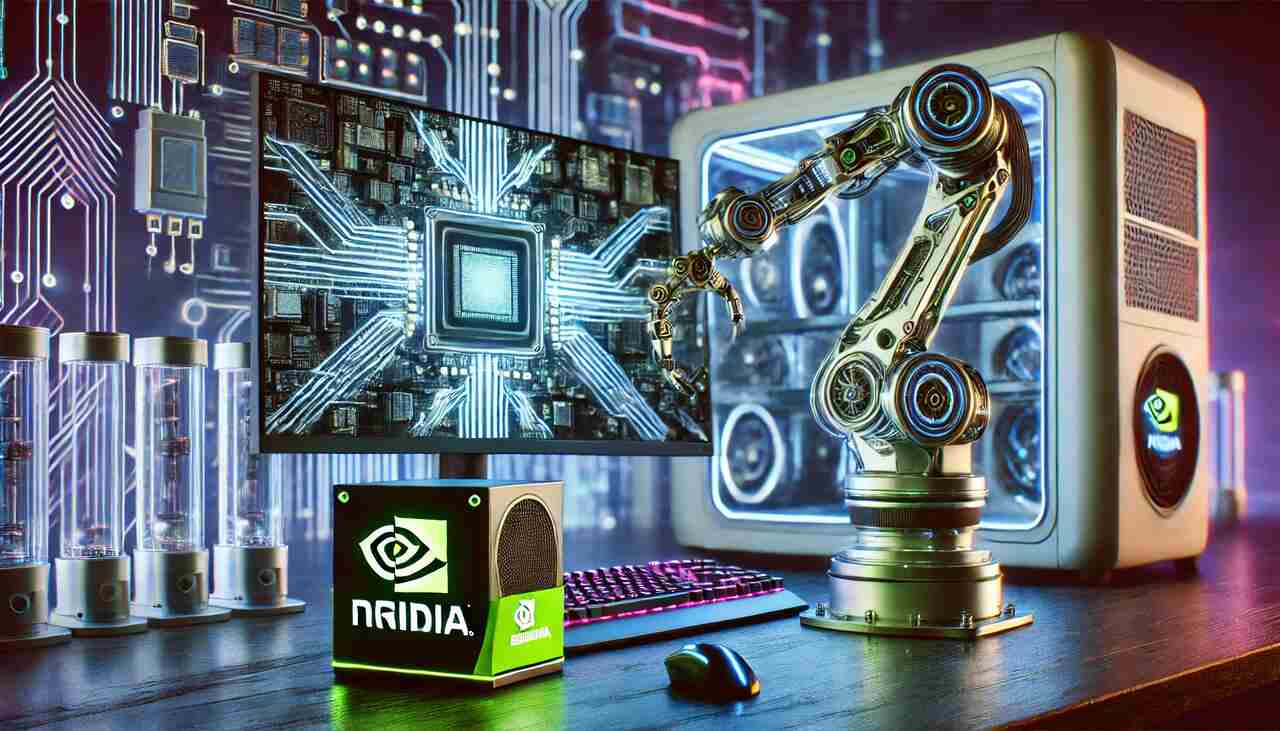
    AI-driven robotic arm and Nvidia desktop system showcasing advanced computing technology.
    Latesttechupdates.com

    How is Nvidia Strengthening Its AI Leadership?

    Nvidia is expanding its artificial intelligence (AI) dominance by integrating advanced AI capabilities into robotics and high-performance desktop computing. The company’s strategic approach involves developing AI-powered hardware, optimizing software frameworks, and fostering industry-wide AI adoption across sectors such as automation, healthcare, and gaming.

    What Role Do AI-Powered Robots Play in Nvidia’s Strategy?

    AI-powered robots are a crucial component of Nvidia’s expansion strategy. By leveraging deep learning, reinforcement learning, and neural network-based decision-making, Nvidia is equipping robots with real-time adaptability, human-like perception, and autonomous navigation capabilities. The company’s Isaac platform provides developers with AI-powered simulation tools, robotic operating systems, and pre-trained AI models to accelerate the deployment of intelligent robots in manufacturing, logistics, and service industries.

    How Is Nvidia Enhancing AI in Desktop Computing?

    Nvidia is revolutionizing desktop computing by integrating its cutting-edge AI processors, such as the latest RTX GPUs and Grace Hopper Superchip architecture, into workstation and consumer systems. These AI-driven desktop solutions deliver enhanced deep learning inference, real-time rendering, and AI-accelerated productivity tools for applications in content creation, data science, and software development. By optimizing AI frameworks like TensorRT and CUDA, Nvidia ensures seamless integration of AI workloads on desktops.

    What Industries Will Benefit from Nvidia’s AI Expansion?

    Nvidia’s AI expansion benefits multiple industries, including healthcare, autonomous vehicles, financial services, and entertainment. In healthcare, AI-powered Nvidia platforms assist in medical imaging, genomics, and drug discovery. Autonomous vehicle companies utilize Nvidia’s AI computing solutions for real-time object detection, sensor fusion, and predictive analytics. Financial institutions leverage AI-driven Nvidia GPUs for high-frequency trading, fraud detection, and risk assessment, while the gaming and film industries use AI-enhanced rendering, physics simulations, and real-time character animation.

    How Does Nvidia Plan to Sustain AI Innovation?

    Nvidia’s strategy for sustaining AI innovation involves continuous hardware advancements, expansion of AI research collaborations, and investment in AI software ecosystems. The company’s commitment to next-generation chip development ensures higher efficiency and AI model scalability. Partnerships with universities, AI startups, and cloud providers drive collaborative breakthroughs in generative AI, machine learning, and robotics. The expansion of software libraries, such as Nvidia AI Enterprise, enables businesses to leverage AI-driven solutions efficiently.

    Nvidia’s expansion into robotics and desktop AI computing reinforces its position as a global leader in artificial intelligence, shaping the future of automation, computing, and digital transformation.

    Share. Facebook Twitter Pinterest LinkedIn Tumblr Email
    Brandon Clarke

    Brandon Clarke is a passionate tech enthusiast with a deep love for hardware, gadgets, and cutting-edge AI tools. He specializes in breaking down complex technology into simple, practical, and easy-to-follow guides that empower everyday users to make smarter tech decisions. Whether he’s testing new devices, analyzing performance, or exploring the latest innovations, Brandon is dedicated to helping readers stay informed, confident, and ahead of the curve in the fast-moving world of technology.

    Related Posts

    AI Tools for Remote Work & Collaboration: Build a Smarter Digital Workplace

    November 7, 2026

    AI Tools for Podcast Creation & Editing: Intelligent Audio Production,and Adobe Podcast

    November 7, 2026

    How AI Email Writing Tools Boost Open and Reply Rates in Outreach Campaigns

    November 7, 2026
    Add A Comment
    Leave A Reply Cancel Reply


    Latest Posts

    What Should I Do if I’m Injured in an Uber or Lyft?

    November 7, 2026

    AI Tools for Remote Work & Collaboration: Build a Smarter Digital Workplace

    November 7, 2026

    NetSuite Licensing Explained: A Practical Guide to Getting the Right Setup (Without Overpaying)

    November 7, 2026

    How to Find and Fix Possible Cybersecurity Vulnerabilities Before They Cost You

    November 7, 2026

    AI Tools for Podcast Creation & Editing: Intelligent Audio Production,and Adobe Podcast

    November 7, 2026

    How AI Email Writing Tools Boost Open and Reply Rates in Outreach Campaigns

    November 7, 2026

    How Satellite Internet is Revolutionizing Remote Work Access

    November 6, 2026

    How Modern Sensor Technology Is Revolutionizing Aquatic Search Operations

    November 6, 2026

    Exploring the Benefits of Tungsten Carbide: A Look at Men’s Rings

    November 6, 2026

    How to Use ChatGPT for Beginners: Step-by-Step Guide

    November 6, 2026
    Stay Connected!
    • Facebook
    • Twitter
    • Pinterest
    • YouTube
    Latest Tech Updates
    Facebook X (Twitter) Pinterest YouTube
    © 2026 All Rights Reserved to LatestTechUpdates.

    Type above and press Enter to search. Press Esc to cancel.