
Highlights
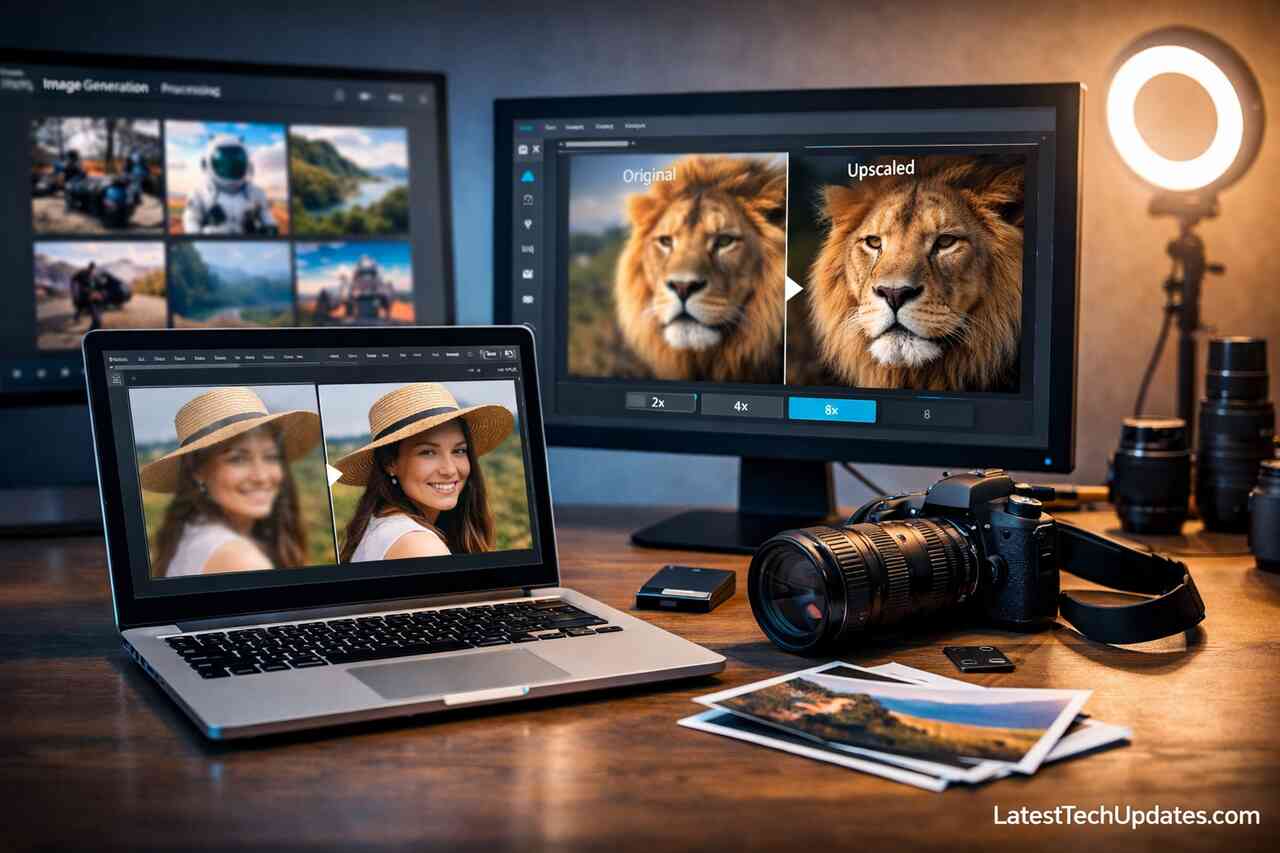
- AI upscaling tools rebuild photo details using deep learning, not just resizing images, ensuring higher resolution and clarity.
- Topaz Gigapixel AI and Let’s Enhance deliver consistently sharp and professional-quality results ideal for both personal and commercial use.
- Tools like ImgUpscaler offer browser-based convenience, allowing quick enhancement of social media visuals with no downloads.
- AI tools save time compared to manual editing, enabling bulk enhancement for marketing, eCommerce, and content creation.
- High-resolution outputs are suitable for print, web, and media, maintaining color accuracy, edge definition, and facial clarity.
- Users should consider pricing, customization, and output control when choosing the right tool for their workflow.
- The future of AI image enhancement includes on-device processing, real-time previews, and adaptive styles based on image content.
- My personal recommendation is to combine AI upscaling with human review to avoid over-processing and preserve natural texture.
Introduction
Artificial intelligence has revolutionized image processing with tools that enhance photo quality beyond what was once possible. From reviving old family photos to preparing high-resolution content for professional print, AI image upscaling tools have become vital in creative workflows. Over the past few years, I’ve worked extensively with several platforms, tested their real-world output, and discovered which ones actually deliver clear, crisp, and naturally upscaled results. This article explores the most effective AI tools available today and how they can upgrade photo quality to professional standards.
What Are AI Image Upscaling Tools and How Do They Work?
AI image upscaling tools use deep learning models, especially convolutional neural networks, to add detail to low-resolution images by predicting what missing pixels should look like. The result is a more refined, higher-quality version of the original photo. These tools analyze patterns, textures, and edges to intelligently recreate resolution rather than merely stretching the image.
Unlike traditional resizing software, AI-powered tools rely on training datasets composed of millions of image pairs. These trained models know how to reconstruct lost details by comparing similar patterns they’ve learned. I’ve personally seen how AI tools like Topaz Gigapixel and Let’s Enhance transform grainy 480p portraits into printable 4K-quality photos without introducing visible artifacts.
When you use these tools, you’re not just increasing the pixel count. You’re fundamentally rebuilding your photo with smarter detail restoration. Whether you’re enhancing a blurry product photo or improving smartphone snapshots, these tools help you deliver professional-grade visuals without investing in expensive cameras.
Deep Learning and Super-Resolution Technology
Super-resolution algorithms train on diverse datasets, learning to detect sharp edges, remove blur, and enhance surface texture. These models reconstruct image clarity rather than interpolate pixels.
Predictive Enhancement Over Interpolation
Traditional upscaling guesses pixel values through mathematical interpolation. AI upscaling predicts content-aware pixel placement, which results in sharper and more realistic enhancements.
Why Should You Use AI Upscaling Instead of Manual Editing?
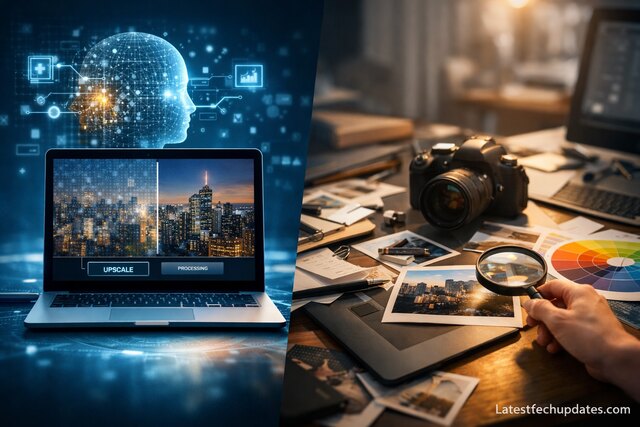
Manual editing requires time, skill, and professional software like Photoshop. On the other hand, AI upscaling tools give immediate, consistent results with minimal input. Based on my experience, they outperform manual techniques when it comes to balancing sharpness and realism.
Many editors struggle with restoring fine details in skin texture or product outlines. AI platforms handle such tasks in seconds by identifying focal points and applying selective enhancement. They’re especially effective when working on low-resolution sources such as old photographs or compressed web images.
I often work with content teams that need bulk image enhancement. Manual editing becomes inefficient at scale. That’s where AI tools shine: they automate consistency and quality across thousands of images without sacrificing accuracy.
Time Efficiency for Professionals and Creators
For professionals managing large image libraries, AI upscaling cuts hours of work into seconds. You can upscale hundreds of images while preserving color fidelity and sharpness.
Higher Quality Output for Print and Web
Images upscaled with AI maintain clarity even in large formats, making them ideal for both high-DPI print and responsive web displays without loss of quality.
Which Are the Most Reliable AI Image Upscaling Platforms?
I’ve tested a wide range of tools and found several standouts that consistently deliver professional quality. Among them, Topaz Gigapixel AI, Let’s Enhance, and ImgUpscaler consistently provide better edge detailing, natural skin textures, and minimal noise.
Topaz Gigapixel AI excels at maintaining edge clarity, even in facial features. Let’s Enhance allows batch processing with various output styles suited for eCommerce, social media, and design needs. ImgUpscaler, a browser-based tool, is incredibly user-friendly and fast.
Below is a comparison that outlines some key differences between the top platforms I’ve used:
| Tool | Best For | Strengths | Weaknesses |
| Topaz Gigapixel AI | Portrait and fine detail | Edge accuracy, batch upscaling | Requires download |
| Let’s Enhance | Web and print media | Presets for style-based output | Limited control over detail |
| ImgUpscaler | Fast, simple upscaling | Browser-based, instant results | Less customizable |
| BigJPG | Anime and illustrations | Line sharpening, style preservation | Slower processing time |
My Favorite for Consistent Results: Topaz Gigapixel AI
Gigapixel handles facial contours, hair strands, and clothing textures better than most tools. The desktop version gives more processing power and high-resolution control.
Best Cloud-Based Alternative: Let’s Enhance
Let’s Enhance is ideal when you’re on the go. Its batch processing features allow scalable outputs tailored for marketing, real estate, or fashion visuals.
How Can You Use AI Tools for Personal or Business Projects?
Using these tools in personal or commercial workflows is surprisingly straightforward. You upload your photo, select the scale (usually 2x to 8x), and let the tool process the enhancement. Whether you’re reviving vintage photos or preparing promotional materials, the impact is immediate.
I’ve used upscaling to improve product listings for online shops, enhance digital artwork for NFT projects, and prepare content for high-resolution billboards. Each case showed visible improvements in detail retention and visual impact, which boosted engagement and sales.
For photographers, enhancing photos before printing guarantees crisper results. For marketers, sharper product photos lead to higher conversions. Even content creators on YouTube or Instagram can benefit by ensuring their visuals look polished across devices.
Personal Memory Restoration
Old scanned photos often lack clarity. AI helps sharpen facial details and correct color inconsistencies, restoring emotional and visual value.
Business Media Enhancement
Upscaled images increase engagement in ads and product listings. Clear visuals reduce return rates and improve trust in digital commerce.
What Should You Consider Before Choosing an AI Upscaler?
Not all AI upscalers are equal. Before committing, evaluate processing speed, resolution limits, output quality, and pricing models. Freemium tools may be fine for casual use, but professionals need precision, speed, and flexible formats.
I learned this firsthand when using a free tool that compressed output below its input quality, wasting time and producing subpar results. That’s why I now test outputs across print and screen formats before fully adopting any tool into my workflow.
Consider system compatibility, especially if the tool requires a desktop app. Also, watch for watermarking in free versions, and check whether you have control over noise reduction, color accuracy, and texture enhancement.
Pricing and Licensing Models
Some platforms charge per image; others offer monthly plans. Professional plans often unlock batch upscaling, API access, and commercial usage rights.
Output Customization Options
The ability to toggle sharpening levels, face refinement, and noise reduction gives users greater creative control over the final image output.
What Are the Main Benefits and Limitations of AI Image Upscaling?
AI image upscaling has several key advantages: improved sharpness, time efficiency, scalability, and ease of use. The tools reduce dependency on expensive cameras or complex software. However, they’re not flawless and sometimes introduce unnatural smoothness or distort artistic styles.
In my projects, I’ve seen how over-processing can remove texture from fabrics or erase subtle skin tones. Knowing when and how to use each tool is key to avoiding over-enhancement. You should also monitor whether the AI respects the image’s original style.
While AI tools boost workflow efficiency, they work best when paired with human review. Always inspect final images before delivering or publishing, especially for commercial uses.
Pros of Using AI Upscaling
- Saves time and cost compared to manual editing
- Scales images up to 8x without distortion
- Useful across personal, commercial, and creative fields
Cons and Limitations
- May smooth out fine artistic or stylistic details
- Free tools often lack precision and customization
- Not ideal for every type of image (e.g., complex gradients or shadows)
What Does the Future Hold for AI Image Enhancement?
AI image enhancement is advancing rapidly, especially with the integration of generative models like diffusion-based upscaling. Future tools will likely offer even more customization, real-time previewing, and adaptive styling for artistic control.
I’m already testing beta tools that adapt based on the subject of the photo applying different settings for landscapes vs. portraits. This kind of intelligent enhancement will define the next generation of upscalers. You can expect features like 3D-aware upscaling, real-time sharpening previews, and neural-style preservation.
For professionals and casual users alike, staying updated with these tools will become necessary. Not just to improve photo quality, but to remain competitive in industries like eCommerce, digital marketing, and photography.
Real-Time Feedback and On-Device AI
Edge computing may allow local upscaling without cloud dependency, ensuring privacy and faster processing for users.
Integration with Creative Suites
More platforms are adding plugins for tools like Photoshop, Lightroom, and Canva to make upscaling seamless within larger design workflows.
Conclusion
AI image upscaling tools have transformed the way we enhance photo quality, combining deep learning, pattern recognition, and super-resolution technologies. My personal experience with platforms like Topaz Gigapixel AI and Let’s Enhance shows that these tools are not only practical but game-changing for creatives, businesses, and everyday users. Whether restoring family memories or preparing product photos for print, AI enhancement tools provide professional results with minimal effort. The key is choosing the right platform for your specific need and understanding how to balance automation with creative control.
FAQ’s
Can I upscale photos taken from my phone using AI?
Yes, AI tools are designed to enhance low-resolution images, including smartphone photos. You’ll get clearer faces, better color definition, and improved edge sharpness.
Is there a free AI upscaling tool worth using?
Yes, ImgUpscaler and Upscale.media offer decent results for casual users. However, they may lack advanced features like batch processing and customization controls available in paid tools.
Does AI upscaling work for video frames?
Yes, some tools like Topaz Video Enhance AI are designed for frame-by-frame video upscaling, useful for 4K remastering and restoration.
How does AI handle images with text?
AI tools typically preserve or sharpen text in images. Some tools even have OCR (Optical Character Recognition) to retain readability in upscaled visuals.
Are there risks in relying solely on AI for enhancement?
Yes, excessive reliance can lead to over-processing, loss of natural texture, or style distortion. Always review results and adjust settings for the best outcome.
