
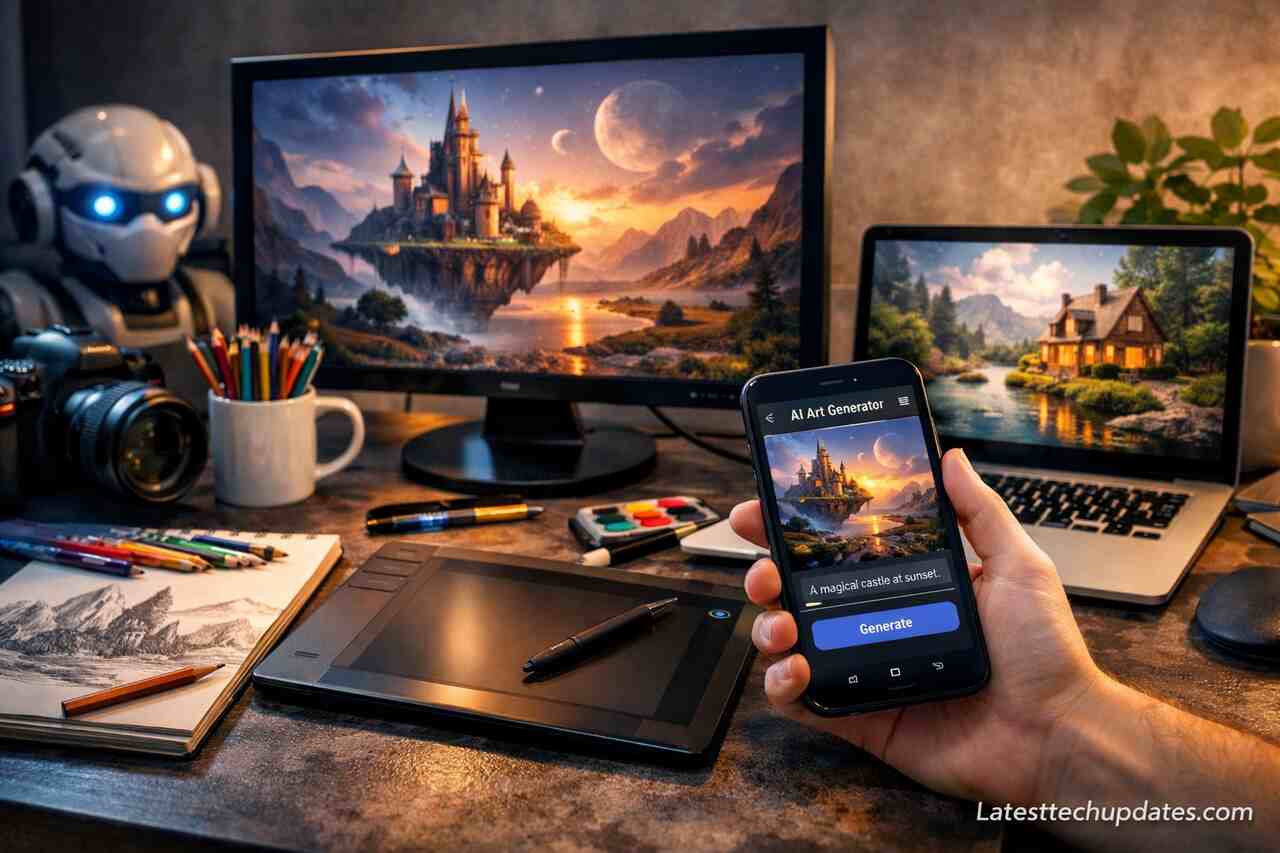
Highlights
- You learn how text-to-image AI tools work using deep learning to turn written prompts into stunning visuals with no need for design skills.
- You discover beginner-friendly tools like DALL·E, Midjourney, and Canva AI, each offering different strengths in realism, style, and ease of use.
- You realize the power of prompt writing, and how using the right structure, adjectives, and scene details transforms bland outputs into creative masterpieces.
- You explore real-world uses like marketing visuals, educational content, social media posts, and concept art, all created instantly and customized.
- You avoid beginner mistakes by learning what not to do, such as vague prompts or ignoring style differences between platforms.
- You weigh the pros and cons clearly, understanding how these tools help creatively while also recognizing their current limitations.
- You glimpse the future of AI image generation, with advancements heading toward 3D, animation, and hyper-personalized content creation.
Introduction
Text-to-image AI tools are revolutionizing the way people interact with creativity, turning plain text into compelling visual art. Whether you’re a designer, marketer, hobbyist, or simply curious, understanding how these tools work can help you unlock a world of possibilities. In this guide, I’ll walk you through everything you need to know, from the basics of how the tools function to the practical benefits and tips based on my own experience exploring them. By the end of this article, you’ll not only grasp how to use them efficiently but also feel confident enough to experiment and create your own images with ease.
What Are Text-to-Image AI Tools and How Do They Work?
Text-to-image AI tools generate images from written descriptions using deep learning models trained on vast datasets. When you type a phrase like “a futuristic city at sunset,” the model interprets the input using learned patterns and visual representations to create an image that reflects the description.
These tools operate on powerful neural networks such as diffusion models and generative adversarial networks (GANs). In simpler terms, they convert language into a visual concept by referencing billions of image-text pairs. The more refined the model, the more detailed and coherent the result. Some tools let you adjust elements like image style, resolution, or realism, offering even greater control over your creations.
From my own use, starting with tools like DALL·E and Midjourney felt like entering a new universe. Initially, I was skeptical. How could a few words create anything meaningful? But once I began testing prompts and fine-tuning inputs, the creative possibilities blew my mind. It’s genuinely fun, addictive, and empowering for anyone, even if you’ve never touched a design app.
Prompt Interpretation
When you enter a description, the model doesn’t just read the words but processes their meaning in context. It evaluates each token like adjectives, nouns, and spatial references against learned patterns.
Image Rendering Process
After interpreting the text, the tool maps the context to a latent space, a kind of mathematical imagination zone. The image is then built step by step, layer by layer, to match the mental picture derived from your prompt.
Which Tools Are Best for Beginners and Why?
For newcomers, the best tools offer simplicity, speed, and creative flexibility without demanding technical knowledge. Three top names are DALL·E, Midjourney, and Canva AI. Each tool provides user-friendly interfaces and strong community support, making it easier to get started and stay inspired.
DALL·E is excellent for direct access and control. It works through a web interface and allows you to modify generated images easily. Midjourney, on the other hand, runs inside Discord and produces highly artistic results. While the workflow is slightly unconventional, its rendering quality is unmatched for fantasy and concept art. Canva AI recently added text-to-image capabilities, integrating them with design templates, which is fantastic for marketers and social media creators.
When I began, DALL·E was my gateway. The drag-and-drop interface, the editable prompts, and the option to generate variations really helped me learn faster. Later, I tried Midjourney and realized that prompt phrasing dramatically changes output quality. Every platform has its flavor. You just need to find yours.
DALL·E Interface Simplicity
Users type prompts in a textbox, generate images instantly, and can make edits without restarting the process. It’s highly intuitive and ideal for exploratory creation.
Midjourney’s Artistic Edge
Midjourney requires prompt commands via Discord, but the community tips, preset styles, and consistent aesthetic make it rewarding for fantasy or surreal content.
How Can You Write Better Prompts for Better Images?
Prompt crafting is the secret sauce to mastering these tools. Beginners often struggle because they enter vague phrases. The more specific, visual, and directive your language, the better the result. Think like a movie director. Describe the scene, atmosphere, color palette, and emotion.
Use key descriptors like “realistic,” “cinematic lighting,” “photorealistic,” or “isometric illustration” to narrow down style. Mention objects clearly and give them attributes. Instead of “a dog,” write “a golden retriever sitting on a red sofa in a sunlit room.” Adding context makes the output more accurate and visually coherent.
I learned this the hard way. My first prompts were generic and the results were, well, weird. Once I started studying how others structured their inputs, adding detail and framing scenes, I got drastically better images. Prompt writing is truly half the art.
Using Descriptive Adjectives
Words like “vibrant,” “foggy,” “hyper-realistic,” or “retro-style” add depth to your prompts. These modifiers guide the AI in applying texture, tone, and mood.
Structuring Spatial Details
Mention foreground, background, position, and orientation. For example, “A lighthouse on a cliff, ocean in the background, seagulls flying in the sky.”
What Are the Practical Uses of Text-to-Image AI Tools?
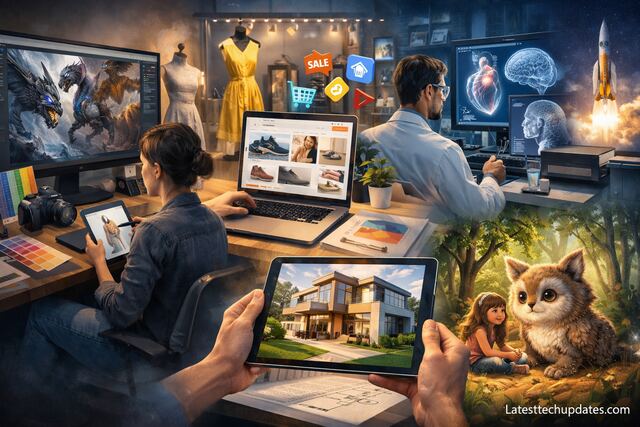
Text-to-image AI tools serve multiple purposes in content creation, education, entertainment, marketing, and product design. They eliminate the need for stock photos, enable rapid prototyping, and allow storytelling through visuals without hiring an artist or using complex software.
Marketers create ad visuals tailored to campaign themes. Educators generate custom diagrams and illustrations. Game developers use them for concept art. Social media creators craft thumbnails and viral content with unique aesthetics. Even authors can visualize scenes from their stories to aid narrative development or promotion.
In my projects, I’ve used AI-generated images for blog headers, client mood boards, and social content. The speed and quality saved me hours. And when I needed revisions, I just tweaked the prompt instead of waiting on edits. That flexibility is gold.
Marketing and Branding
AI-generated images help personalize brand content, making social media posts, landing pages, and ad creatives more engaging and distinct from competitors.
Education and E-learning
Instructors can visualize abstract concepts like space-time, evolution, or chemical processes in ways that are more digestible and visually stimulating for learners.
How Can You Avoid Common Mistakes When Using These Tools?
Beginners often fall into predictable traps such as vague prompts, overreliance on default settings, or using overly complex wording. Clarity and simplicity always work best. Think about your image goal and reverse engineer the description logically.
Avoid crowding the prompt with too many ideas. “A robot playing chess with an astronaut on Mars during a solar eclipse in 4K resolution with neon lights and fog” may overwhelm the model. Instead, build up the image with stages or simplify to the core scene.
From my experimentation, I realized that iterating on simpler prompts gave better results than ambitious one-liners. Also, checking how others phrased their prompts taught me a lot. Learning from those who are already good can shortcut your journey.
Vague Prompt Pitfalls
Prompts like “beautiful view” or “cool house” return generic results. Rephrase to include specific features, time of day, mood, or location for precision.
Ignoring Style Guides
Each platform leans toward certain styles. Midjourney loves surrealism, while DALL·E handles realism well. Adapting your prompt to the tool’s strength improves results.
What Are the Pros and Cons of Using Text-to-Image AI?
Text-to-image tools are fast, low-cost, and creatively liberating. They empower users to visualize ideas without artistic skills. But they also come with limitations. Consistency across outputs can be hard, fine-tuning results may take time, and sometimes the tool misinterprets text.
On the plus side, using these tools reduces creative bottlenecks. They’re helpful in brainstorming, storyboarding, or creating marketing visuals on demand. On the downside, copyright concerns and quality control still pose challenges, especially when outputs are used commercially.
In my use, I found the pros far outweigh the cons. Once I accepted that these tools are creative assistants, not replacements for human designers, I enjoyed the process much more. You still need taste and judgment, but the heavy lifting is handled for you.
Advantages
- Quick generation of diverse visual styles
- Easy iteration without technical skills
- Accessible for creators, educators, and businesses
Limitations
- Occasional rendering flaws or mismatched elements
- Difficult to achieve image consistency across batches
- Ethical concerns regarding originality and fair use
What Is the Future Scope of Text-to-Image AI?
Text-to-image tools are evolving rapidly. Future improvements will include better control over facial details, consistent characters across scenes, and deeper personalization. Integration with 3D modeling, video generation, and AR/VR environments is already in development.
These tools will become essential for industries like game design, filmmaking, e-commerce, and architecture. Automation of illustration workflows will shift how companies source visuals. Content creators will collaborate with AI as a co-pilot, not just a tool.
I’m genuinely excited about what’s coming. Just two years ago, I could barely get a decent image. Now, I can create detailed scenes in seconds. With personalization and style memory on the horizon, the quality will rival hand-drawn work for many applications.
AI-Driven Design Evolution
As models evolve, they will understand individual user preferences. Imagine an AI knowing your favorite color palette or drawing style and applying it to every new request.
Expansion into 3D and Motion Graphics
The same core technology powering 2D image creation is moving into 3D and animation. Soon, a simple phrase will generate not just a picture but a fully animated scene.
Tool Comparison
| Tool Name | Best For | Interface Type | Style Focus | Ease of Use |
| DALL·E | Precise editing, realism | Web | Realistic, surreal | High |
| Midjourney | Concept art, creativity | Discord | Artistic, abstract | Medium |
| Canva AI | Marketing, social content | Web + App | Template-based | Very High |
Conclusion
Text-to-image AI tools are not just technological novelties. They are creative partners. Whether you’re building marketing visuals, experimenting with storytelling, or simply having fun, these platforms offer powerful, accessible solutions. The key lies in understanding how to phrase prompts, which tool to use for the job, and how to iterate for better results. Based on my own journey, I can tell you that the more you use them, the more intuitive and rewarding the experience becomes. So don’t be afraid. Open the tool, type your vision, and watch it come alive.
FAQ’s
What is the easiest tool for beginners?
Canva AI is the easiest due to its drag-and-drop system and integration with other design tools.
Do I need coding skills to use these tools?
No, most platforms are built for non-coders and offer intuitive interfaces.
Can I use AI-generated images commercially?
Usage rights vary by tool. Always check the platform’s licensing terms.
What happens if I enter a bad prompt?
The image might be inaccurate or distorted. Adjusting the prompt usually improves results.
How do I make images more realistic?
Use specific prompts with photographic keywords like “natural lighting” or “depth of field.”
Are these tools free?
Some offer free tiers with limited usage. Premium versions provide more features and credits.
Can these tools create logos or icons?
Yes, but they may lack consistency or vector output. Manual refinement is often needed.
