
Highlights
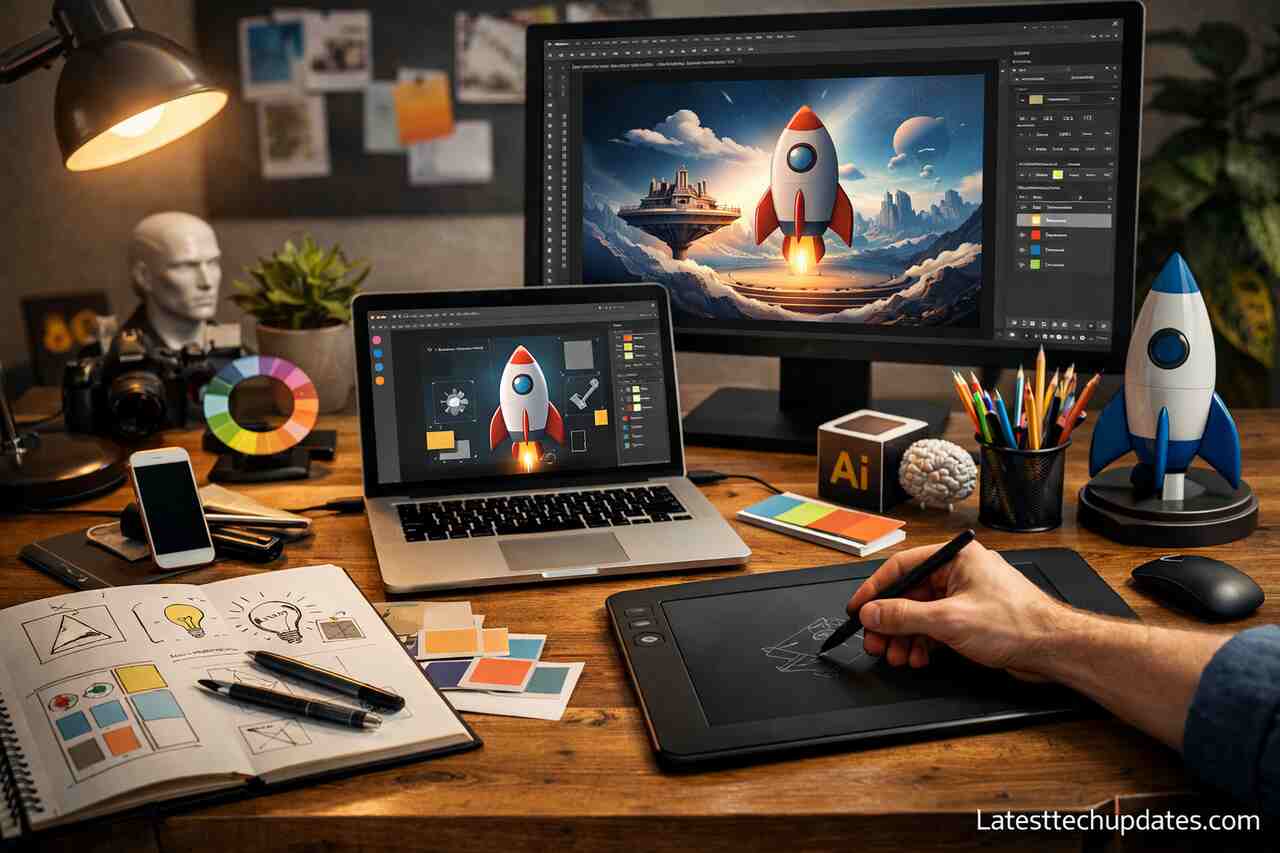
- AI supports every phase of design, from brainstorming concepts to exporting final assets, speeding up production while boosting creative possibilities.
- Designers retain full creative control, while AI provides rapid layout suggestions, color harmonies, and composition guidance based on context.
- Repetitive tasks like background removal and resizing are automated, saving hours of manual work and reducing design fatigue.
- Real-time collaboration features with live editing, commenting, and smart version tracking improve communication between clients and creative teams.
- AI tools protect brand consistency, automatically flagging off-brand elements and ensuring visual alignment across all channels.
- The future of design is hybrid, with designers directing AI to produce customized, scalable, and human-centered outputs.
- Ethical and creative judgment remain key, as AI lacks emotional intelligence, cultural nuance, and storytelling intuition.
Introduction
Artificial intelligence has reshaped how graphic designers approach their creative process, providing advanced tools that span from the initial concept stage to final design production. These AI-powered platforms allow designers to streamline ideation, improve visual consistency, and speed up workflows, all while maintaining creative freedom. As someone who works closely with designers and frequently tests design AI platforms, I’ve observed how integrating the right AI tools can dramatically transform productivity, idea development, and creative execution. In this article, I’ll walk you through the complete journey of using AI tools from the moment an idea is born to the point of delivery-ready design. Each section is built around real use cases, clear examples, and direct benefits that graphic designers can relate to in their daily work.
What Are the Primary Stages Where Ai Helps in Graphic Design Workflows?
AI accelerates graphic design by providing practical assistance in idea generation, layout composition, color palette selection, and final asset delivery. These stages are no longer bound by time-consuming manual effort but are enriched by AI suggestions that enhance precision and creativity. With the right tools, designers reduce the friction between vision and execution.
In my experience, the most critical point where AI adds value is in brainstorming. Creative block can delay a project, and AI platforms like prompt-based generators or mood board creators help unlock fresh visual directions. This automation doesn’t remove creativity, it fuels it with a faster way to visualize and test ideas. Tools that interpret text prompts and deliver concept sketches or themes have become part of my essential design discovery process
During the final steps of design, such as exporting or resizing for multiple platforms, AI ensures consistency and speed. For example, tools that instantly crop images for various aspect ratios while maintaining focal points allow me to spend more time refining creative choices and less time doing technical adjustments. AI is now part of every major milestone in a graphic design timeline.
Ideation and Brainstorming
Text-to-image generators and AI mood board assistants help you overcome the blank canvas stage. These tools convert verbal or written cues into visual inspiration, making the idea phase more productive.
Prototyping and Sketching
Quick wireframe suggestions, style transfer tools, and mockup creators allow you to visualize the basic layout of a project. These AI tools act like an assistant sketching out your thoughts instantly.
How Do Ai Design Tools Assist in Creating Original Compositions?
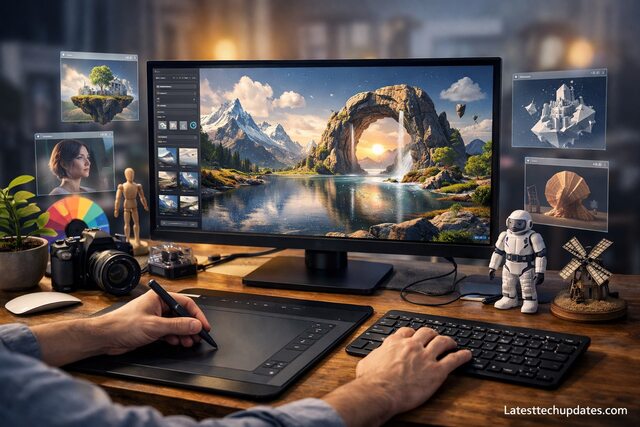
AI tools contribute to originality by offering suggestions without limiting personal style. Algorithms that learn from your previous design patterns, preferences, and industry trends can help suggest compositions that feel tailor-made for your brand or client. You’re still the artist AI just gives you a faster way to explore variations.
A good example from my workflow is using layout suggestion engines that adapt based on the content you input. By uploading assets and selecting a purpose whether it’s for social media, a presentation, or a print ad AI provides recommended templates that respect hierarchy, alignment, and balance. The key benefit here is speed combined with creative flexibility.
I also like to experiment with AI-powered color suggestion platforms that understand color psychology, accessibility compliance, and brand identity. You simply enter your logo or primary color, and the tool proposes palettes that work harmoniously across devices and cultures. The result: original, human-centered designs developed efficiently.
Layout Planning
AI-powered design assistants can analyze text length, image density, and whitespace to recommend the best layout configuration. This is extremely helpful when designing for different platforms or audiences.
Visual Hierarchy Optimization
Advanced AI engines detect emphasis areas and use principles of visual hierarchy to adjust font sizes, alignments, and contrast. This helps ensure the viewer’s attention flows naturally through the design.
What Tools Are Available for Automating Repetitive Tasks in Design?
Repetitive design tasks like background removal, resizing for different devices, or batch renaming files are ideal for automation. These time-consuming processes can be handled by AI, giving designers more freedom to focus on creativity instead of logistics. I’ve personally cut down project delivery time by hours using these smart tools.
Automating background removal used to require precise manual selection. Now, with one click, AI tools detect objects and remove backgrounds seamlessly without degrading image quality. This is particularly helpful for product images, social media posts, or client presentations. When I’m preparing assets for e-commerce projects, this tool is a lifesaver.
Batch processing tools also simplify the creation of design variations. Imagine designing one poster layout and instantly generating platform-optimized sizes for Instagram, Facebook, Pinterest, and print, all while preserving alignment. That’s the power of AI in action. It’s like having a virtual production team.
Background Removal and Object Detection
AI uses computer vision to identify and isolate objects. Designers can instantly remove or replace backgrounds while preserving edges, shadows, and natural depth.
Batch Resizing and Exporting
Instead of manually resizing for different platforms, designers can use AI to automatically adjust layouts, aspect ratios, and pixel densities based on preset requirements.
How Does Ai Improve Collaboration Between Teams and Clients?
AI enhances communication by providing shared dashboards, live feedback mechanisms, and smart version control. These features help designers work seamlessly with clients and team members in different time zones or skill levels. Collaboration becomes smoother, faster, and clearer.
I’ve worked on cross-functional teams where clients often had difficulty articulating design feedback. AI tools that support visual commenting, heatmaps, or dynamic presentations make it easier for clients to show what they mean instead of describing it vaguely. This creates better alignment and fewer revisions.
Version history tools powered by AI also help in tracking design changes, labeling improvements, and comparing visual progress. When everyone sees the evolution of a design with clear annotations, decision-making becomes data-driven instead of emotional. This improves trust and reduces friction in creative conversations.
Real-time Editing and Commenting
Cloud-based AI design platforms allow multiple users to suggest edits and leave contextual comments. Designers can respond in real-time, saving the back-and-forth of email chains.
Smart Versioning and History Tracking
AI tracks each version of a design, highlighting what changed, when, and why. This makes it easier to revert, refine, or analyze past decisions collaboratively.
How Does Ai Support Brand Consistency and Visual Identity?
AI helps maintain design consistency by storing brand guidelines, logos, fonts, and color systems in accessible digital libraries. These AI-powered libraries flag any off-brand usage, ensuring every asset aligns with visual identity rules. I’ve seen this reduce errors significantly, especially across global campaigns.
For example, when working with a client across different regional teams, maintaining a unified look used to be hard. With brand automation tools, AI ensures every layout, tone, and color scheme remains within the brand’s visual DNA. It’s like having a smart compliance officer for your design.
Tools that evaluate typography usage, spacing, and image tone also help maintain a coherent brand voice. If your Instagram stories and printed brochures don’t look like they come from the same company, brand trust gets diluted. AI prevents this by aligning every asset with the brand’s design framework.
Brand Asset Libraries
AI tools categorize, tag, and retrieve brand elements efficiently. Designers can instantly locate the correct logo version, color scheme, or font based on context and usage.
Brand Consistency Checkers
These systems scan uploaded designs to identify mismatched colors, fonts, or compositions. Designers receive actionable feedback to maintain cohesion in all visual outputs.
What Are the Strengths and Limitations of Ai in Design?
AI excels at accelerating production, reducing repetition, and enhancing accuracy. However, it cannot replace human creativity, emotion, or cultural nuance. Knowing when to rely on AI and when to follow instinct is the key to effective design.
One major strength I’ve personally benefited from is the ability to meet tight deadlines. AI tools give me a head start on complex projects, allowing me to deliver more with fewer resources. However, I’ve also seen designs that feel too mechanical when overly dependent on AI balance is essential.
The best results come when AI is used as an assistant, not a director. Designers must guide the process, make final decisions, and infuse human insight. Culture, storytelling, and empathy still require human intuition, no matter how advanced AI becomes.
Advantages of Using AI in Design
- Time efficiency and faster delivery
- Enhanced accuracy with fewer mistakes
- Scalable design output
- Smart suggestions for layout and colors
Limitations of AI in Design
- Lack of cultural or emotional sensitivity
- Risk of over-standardization
- Can’t fully replace creative intuition
- Requires user guidance and oversight
What Does the Future Hold for Ai in Graphic Design?
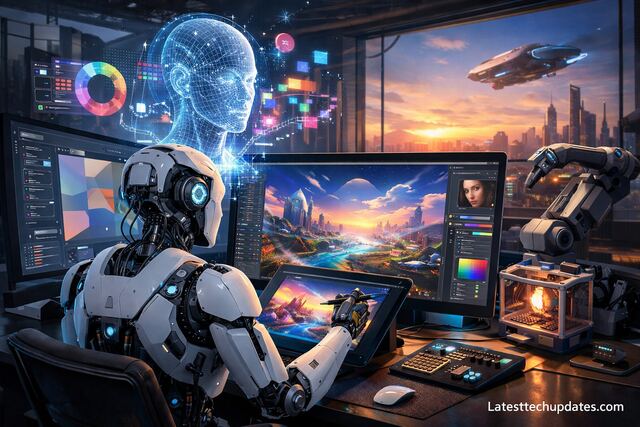
AI will continue to evolve into more intuitive, creative, and adaptive tools. Future systems will understand user behavior, anticipate needs, and generate hyper-personalized designs based on user intent and audience data. The role of the designer will shift from executor to creative director of AI-driven processes.
In my predictions, design AI will eventually include voice-based design prompts, emotional tone detection, and even real-time A/B testing with automatic optimization. This will open new creative possibilities while demanding new ethical boundaries around automation and originality.
Designers who embrace AI now are preparing themselves for a hybrid future where creativity and computation coexist. Staying updated and practicing with current tools will make future transitions smoother and more rewarding.
Personalized Design Intelligence
AI will analyze user preferences, industry benchmarks, and target audience feedback to offer personalized design suggestions with high conversion potential.
Ethical AI and Design Ownership
As AI becomes more autonomous, questions about authorship, originality, and ethics will emerge. Designers must stay involved to ensure designs remain responsible and human-centered.
AI Tools Mapped to Design Phases
| Design Phase | AI Tool Example | Functionality Provided |
| Ideation | Text-to-Image Generators | Converts prompts into visual ideas |
| Layout Composition | Smart Grid Layout Tools | Suggests balanced and responsive designs |
| Asset Creation | Background Removers | Isolates elements for reuse |
| Collaboration | Real-Time Editing Platforms | Enables live review and teamwork |
| Brand Management | Brand Consistency Checkers | Ensures visual alignment with brand guidelines |
| Optimization | Auto-Resizing Engines | Generates size-appropriate designs instantly |
Conclusion
AI tools for graphic designers offer an extraordinary advantage from concept to final output. By streamlining brainstorming, composition, asset creation, and collaboration, these tools enhance creativity while reducing repetitive tasks. I’ve experienced firsthand how powerful and flexible these platforms can be. However, the key is to remain the visionary in your process. Let AI assist, not replace. The future belongs to designers who can balance intuition and automation to deliver original, thoughtful, and scalable visual work.
FAQ’s
What is the best AI tool for beginner graphic designers?
Canva’s AI features like Magic Design and Magic Eraser are beginner-friendly, providing templates and automated suggestions for users without advanced skills.
Can AI generate entire designs without human input?
AI can generate initial drafts or concepts, but human review and refinement are crucial for creativity, emotional impact, and cultural relevance.
Do AI tools replace professional designers?
No. AI enhances a designer’s capabilities but does not replace the need for strategic thinking, storytelling, or brand alignment that professionals provide.
Are AI design tools expensive?
Many AI tools offer free tiers or affordable monthly plans. The cost usually depends on the complexity of features and business usage needs.
Is AI safe to use in design work?
Yes, but designers should be cautious with intellectual property, data privacy, and ethical usage, especially when generating content for clients or public distribution.
