
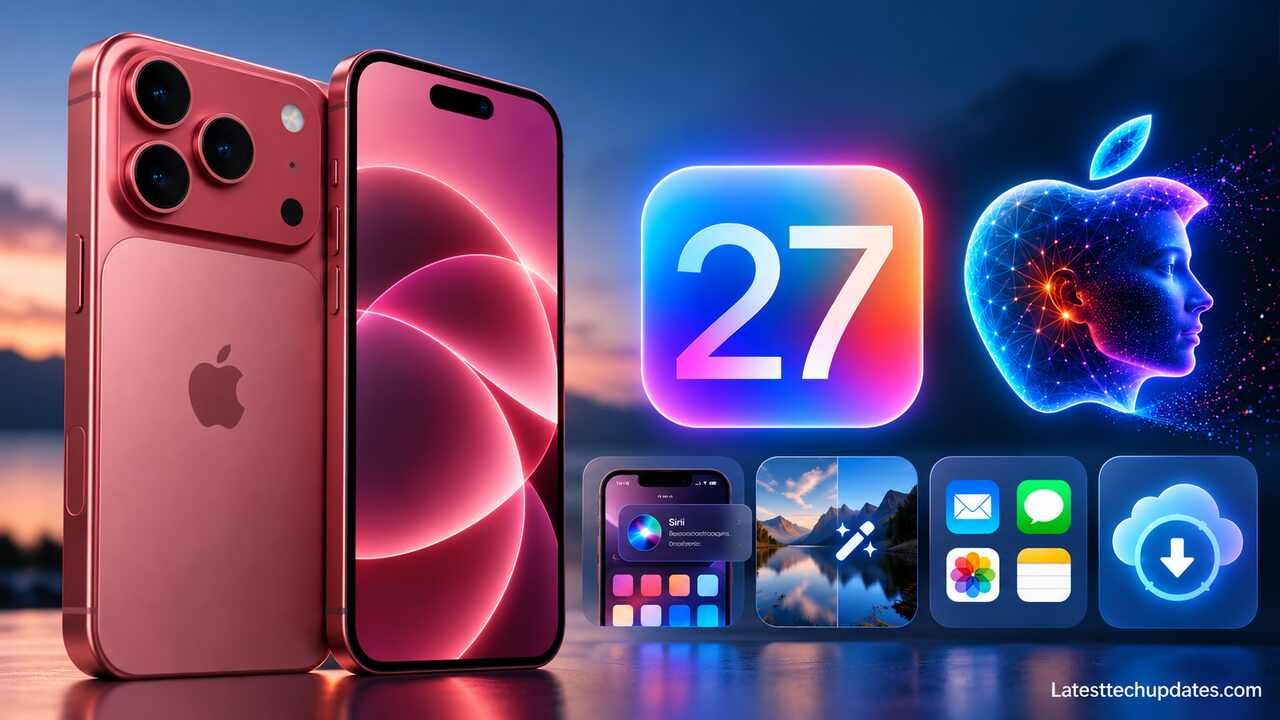
The iPhone 18 Pro Max ships with iOS 27, but the biggest software change is not simply a redesigned interface or another collection of small app updates. Apple is making Apple Intelligence and the new Siri AI a much larger part of how the phone works.
On the iPhone 18 Pro Max, iOS 27 combines the A20 Pro chip with on-device AI processing, new Siri capabilities, intelligent photo editing, Visual Intelligence, improved search, Safari tools, parental controls, performance improvements, and deeper automation. Apple released iOS 27 on September 14, 2026, and the current public release is already iOS 27.0.1 as of October 1, 2026.
The important point is that not every iOS 27 feature depends on the iPhone 18 Pro Max. iOS 27 supports devices going back to the iPhone 11 and iPhone SE (2nd generation), while Apple Intelligence has much higher hardware requirements. The iPhone 18 Pro Max is designed to run the complete current Apple Intelligence experience rather than just the basic operating system.
iPhone 18 Pro Max and iOS 27 at a Glance
The software and hardware are closely connected. Apple equipped the iPhone 18 Pro Max with the A20 Pro chip, including a 6-core CPU, 7-core GPU with Neural Accelerators, and a Dual 16-core Neural Engine. Those AI-focused components matter because more Apple Intelligence tasks can be processed directly on the phone.
| Area | iPhone 18 Pro Max with iOS 27 |
| Operating system | iOS 27 |
| Current update | iOS 27.0.1 as of October 1, 2026 |
| Processor | A20 Pro |
| AI hardware | Dual 16-core Neural Engine |
| Main AI platform | Apple Intelligence |
| New assistant | Siri AI, currently beta |
| Display | 6.9-inch Super Retina XDR OLED |
| Storage | 256GB, 512GB, 1TB, or 2TB |
| Wireless | Wi-Fi 7, Bluetooth 6, Thread |
| Main camera | 48MP Fusion Main with variable aperture |
| Software update method | Settings > General > Software Update |
Apple’s specifications list the iPhone 18 Pro Max with a 6.9-inch OLED display and storage choices from 256GB to 2TB. It also includes Wi-Fi 7, Bluetooth 6, Apple’s C2 cellular modem, and the A20 Pro processor.
These specifications are relevant to iOS 27 because features such as AI image editing, Visual Intelligence, computational photography, gaming, wireless transfers, and local AI models depend partly on the hardware underneath the software.
Siri AI Is the Biggest iOS 27 Change
Siri AI is Apple’s new version of Siri, powered by Apple Intelligence. Apple describes it as more conversational and capable, but the practical difference is that Siri can now work with more context instead of treating every request as an isolated voice command.
Siri AI is currently rolling out as a beta feature. It initially supports English, with Apple announcing French, Japanese, Korean, Portuguese, and Spanish support for October 2026. Availability still depends on language, region, device, and individual feature support.
Personal context understanding
One of the most important improvements is Siri’s ability to use information from your personal context.
For example, instead of manually searching Mail, Messages, Photos, and other apps for information, you can ask Siri for something connected to your own activity. Apple says Siri AI can use personal context to help find relevant information across apps.
This could be useful when the information you need is somewhere on the phone but you cannot remember exactly where it was stored.
The important limitation is that AI interpretation can still be wrong. If Siri retrieves something important involving money, travel, work, health, legal information, or another sensitive decision, check the original source rather than relying only on the generated answer.
Onscreen awareness
Siri AI can also understand information visible on the screen.
That makes Siri potentially more useful while reading an email, viewing a webpage, looking at an image, or working inside another supported application. Instead of explaining all the context manually, you may be able to refer to what is already displayed.
This moves Siri closer to an assistant that can work with the task you are performing rather than simply responding to general questions.
Dedicated Siri app
iOS 27 also introduces a dedicated Siri app. Apple says it can keep conversations in one place and privately synchronize them across supported Apple products using iCloud.
For users who prefer typed AI conversations rather than voice commands, this makes Siri behave more like a conventional conversational AI service.
Write with Siri
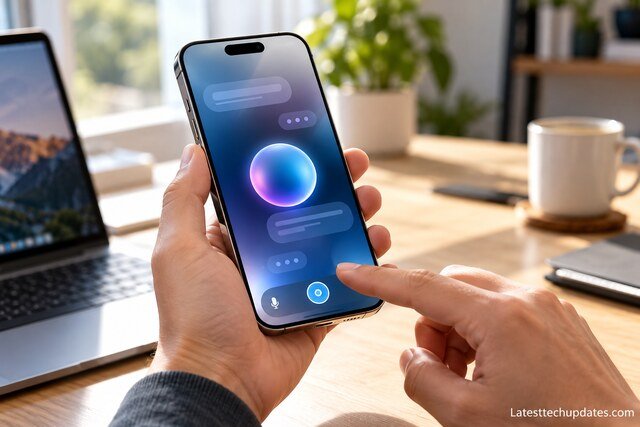
Write with Siri lets you describe what you want to write and have Siri create or revise text.
Apple says the feature can generate a draft, edit existing writing, or provide feedback. In Messages and Mail, Siri can also adapt writing based on your communication patterns.
That can save time when preparing messages, emails, summaries, and everyday writing, although generated text should still be reviewed before it is sent.
Siri Mode in Camera and Visual Intelligence
The iPhone 18 Pro Max also connects AI more closely with its camera.
Siri mode in Camera combines Siri AI with Visual Intelligence. Instead of photographing something and then manually searching for it, you can point the camera toward an object or scene and ask questions or take supported actions based on what the phone sees.
Apple gives examples such as identifying information about food or helping calculate how to split a bill.
This feature matters because the camera effectively becomes an input method for AI. The phone can work with the physical environment rather than requiring everything to be typed.
However, visual AI should not be treated as an expert measurement or identification tool. It may misunderstand objects, text, food, plants, products, or other details. Important information should still be independently verified.
Apple Intelligence Photo Editing
Photos receives some of the most visible Apple Intelligence changes in iOS 27.
Spatial Reframing
Spatial Reframing lets you alter the apparent composition of a photograph after it has already been captured.
Instead of only cropping the existing frame, Apple Intelligence can help change the composition more substantially. Apple describes this as virtually adjusting the camera position after capture.
For ordinary users, the practical benefit is greater flexibility when a subject was positioned awkwardly or the original framing was not ideal.
Extend
Extend can generate additional image content outside the original boundaries of a photo.
This can help when straightening a tilted image would normally cut off important parts of the frame, or when you want additional space around a subject for a different aspect ratio.
Because the new areas are AI-generated, they should not be treated as an accurate record of what actually existed outside the captured frame.
Improved Clean Up
Apple has also upgraded Clean Up.
It can remove larger objects and offers different processing approaches for simple and more complicated corrections.
This should make the feature more useful for removing distractions such as unwanted objects in the background.
Again, edited images may no longer represent the original scene exactly. That distinction can matter for journalism, evidence, documentation, or other situations where authenticity is important.
Image Playground
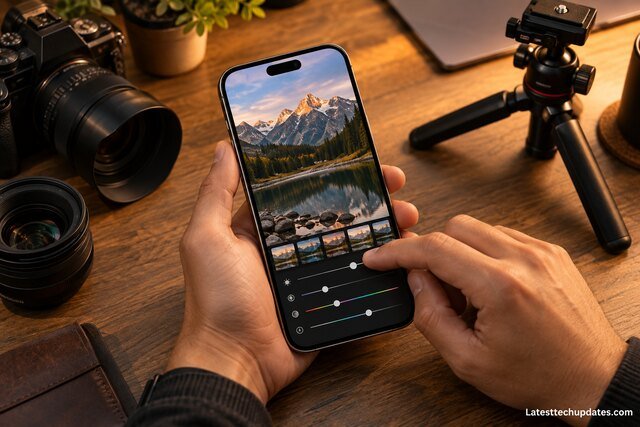
Image Playground now supports more advanced image generation, including photorealistic output. Apple also warns that usage limits may apply to some server-based Apple Intelligence features.
Apple Intelligence in Safari and Other Apps
Apple Intelligence is not limited to Siri.
Apple is integrating AI into apps across iOS 27 so that it can assist during normal tasks instead of requiring users to open a separate AI application.
Safari Notify Me
Safari can monitor supported webpages and notify you when something changes.
Apple gives examples such as product availability or price changes.
This could reduce the need to repeatedly refresh the same page when waiting for a particular update.
Smarter Shortcuts
Apple Intelligence can also work with Shortcuts, including Apple’s Foundation Models.
This matters for automation because users can combine AI processing with other actions instead of using AI only for chat. Some cloud-based Apple Intelligence models are subject to usage limits, however, so complex automation should not be designed on the assumption of unlimited AI processing.
Smarter Home features
iOS 27 also expands intelligence inside the Home app.
Apple says supported HomeKit Secure Video setups can use AI to group related activity notifications, summarize activity in selected video, and search for recordings based on what happened. Supported cameras can also stream and record HomeKit Secure Video in 4K.
These features still depend on compatible accessories and services, so owning an iPhone 18 Pro Max does not automatically make every smart-home camera support them.
Apple Intelligence Privacy
Privacy is a major part of Apple’s AI architecture.
For many Apple Intelligence tasks, processing occurs directly on the iPhone. When a task needs more computing capacity, Apple can use its Private Cloud Compute system. Apple says data sent to Private Cloud Compute is used to process the request rather than being stored or made accessible to Apple, and that the system is designed so independent security researchers can inspect its protections.
That creates two different processing paths:
On-device processing keeps the task on the iPhone when the local models can handle it.
Private Cloud Compute uses larger server-based models when additional processing power is needed.
From a practical perspective, on-device processing can improve privacy and reduce dependence on cloud services for supported tasks. Cloud processing is still required for some more demanding capabilities.
Users should also remember that AI privacy depends on more than Apple’s underlying model architecture. Information shared with third-party apps, websites, extensions, or other services may be handled according to those companies’ policies.
Some Apple Intelligence Features Have Usage Limits
One important detail can easily be missed.
Apple states that certain Apple Intelligence features using server-side models are subject to daily limits. These can include Siri AI, intelligent photo editing, Image Playground, and cloud-based Foundation Models in Shortcuts. Limits may depend on the feature, request complexity, demand, and other factors. Apple has also said that expanded access will be available for a fee in the future.
That means buying an iPhone 18 Pro Max does not necessarily provide unlimited use of every cloud-based AI capability.
Local features and conventional iOS functions are different from server-intensive AI processing, so users should not assume that every Apple Intelligence feature follows the same limits.
iOS 27 Design and Everyday Improvements
AI attracts most of the attention, but iOS 27 also changes normal iPhone use.
Liquid Glass refinements
Apple has refined its Liquid Glass interface to improve readability and contrast.
iOS 27 also includes a control that lets users adjust the appearance from clearer to more heavily tinted.
This is useful because interface transparency is not simply an aesthetic choice. Heavy transparency can sometimes reduce readability, particularly over complex backgrounds.
Faster everyday performance
Apple says iOS 27 improves performance in areas such as application launching, loading new photos, and AirDrop transfers. Its iOS 27 page advertises gains of up to 30 percent for app launches, up to 70 percent for loading new photos, and up to 80 percent for AirDrop transfers under Apple’s testing conditions.
These are manufacturer measurements, not guarantees that every task on every iPhone will become faster by those percentages.
On an iPhone 18 Pro Max, the A20 Pro hardware should give iOS 27 plenty of processing headroom, but perceived speed will still vary with the application, storage usage, network conditions, background activity, temperature, and workload.
Better search
Apple has improved search across Spotlight, Photos, and Mail.
Better search becomes especially important as users accumulate thousands of photos, messages, files, emails, and apps. It can save more practical time than a small processor improvement when the goal is simply finding information quickly.
Connectivity Assist
Connectivity Assist is designed to make switching between Wi-Fi and cellular connections smoother.
The iPhone 18 Pro Max also has modern networking hardware, including Wi-Fi 7 and Apple’s C2 cellular modem, so the software is working with a much newer wireless platform than older iPhones.
AirPods Custom EQ
iOS 27 adds more control over compatible AirPods audio, including adjustments for low, mid, and high frequencies.
This is more useful than a generic sound preset because it gives listeners more direct control over how their AirPods sound.
GymKit on iPhone
GymKit is now available directly on iPhone for connecting to compatible cardio equipment such as treadmills, bikes, ellipticals, and stair machines.
Support still depends on the exercise equipment, so this is not a universal connection method for every gym machine.
New Parental Controls and Screen Time Features
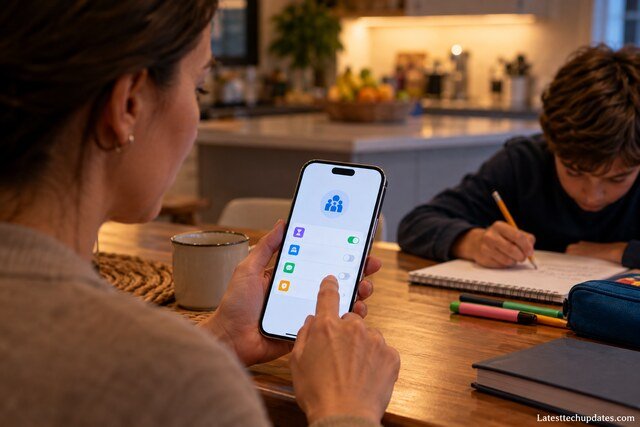
Apple has expanded parental controls in iOS 27.
Parents can create schedules controlling which apps children can access at different parts of the day, including separate schedules for weekdays and weekends. Screen Time has also been redesigned to make usage information and controls easier to find.
This can be more practical than relying on a single daily screen-time allowance because access can be based on context. For example, entertainment apps can be restricted during study or sleep hours without blocking necessary communication or educational tools for the entire day.
iOS 27.0.1 Is Already Available
iOS 27 launched on September 14, 2026. Apple subsequently released iOS 27.0.1, and Apple currently lists 27.0.1 as the latest iOS release.
For the iPhone 18 Pro and iPhone 18 Pro Max specifically, iOS 27.0.1 fixes several early problems, including:
- unexpected restarts after some failed Face ID authentication attempts
- a photo color artifact that could occur at 2x under specific lighting and aperture conditions on a small number of devices
- a touchscreen problem that could occur when Notification Center and Control Center were opened simultaneously
Apple’s update notes describe these as bug fixes. The security release listing states that iOS 27.0.1 has no published CVE entries, so Apple is not presenting this particular release as a conventional security-patch release with listed vulnerabilities.
For a new iPhone 18 Pro Max, installing the latest stable iOS 27 release is sensible because early point updates often fix launch-period software problems.
How to Update the iPhone 18 Pro Max
Before updating, backing up important data is a sensible precaution. Apple also recommends making a backup before installing an iOS update.
To check manually:
- Open Settings.
- Tap General.
- Tap Software Update.
- Check the installed iOS version.
- If an update is available, tap Download and Install and follow the instructions.
You can also open Settings > General > Software Update > Automatic Updates and enable automatic installation.
When automatic installation is enabled, Apple says an available update can download and install overnight while the iPhone is charging and connected to Wi-Fi.
iOS 27 can also automatically install certain system-file updates without replacing the complete operating system.
One limitation is important: Apple notes that once an iOS software update has been installed, users generally cannot simply downgrade to the previous iOS release.
How Long Will the iPhone 18 Pro Max Receive Updates?
Apple has not published a fixed end date for iPhone 18 Pro Max software support.
It would therefore be misleading to promise an exact number of future iOS versions.
What can be confirmed is that iOS 27 currently supports phones as old as the iPhone 11 and iPhone SE (2nd generation). Apple Intelligence has a separate requirement and is supported on iPhone 15 Pro, iPhone 15 Pro Max, and iPhone 16 models or later.
That distinction matters.
An iPhone can remain eligible for the latest version of iOS while lacking newer AI features that require faster Neural Engine hardware, more memory, or other newer components.
The iPhone 18 Pro Max starts at the opposite end of that spectrum. It has Apple’s current A20 Pro platform and is designed specifically for iOS 27’s most demanding Apple Intelligence features.
Regional and Language Restrictions Matter
Not every iPhone 18 Pro Max owner will see every feature at the same time.
Apple Intelligence supports a growing collection of languages, including English, Chinese, Danish, Dutch, French, German, Italian, Japanese, Korean, Norwegian, Portuguese, Spanish, Swedish, Turkish, and Vietnamese. Individual features can still have narrower availability.
Siri AI is initially rolling out in English, with several more languages scheduled to follow.
There are also regional restrictions. Apple says Siri AI is not initially available on iPhone in the European Union, and Apple Intelligence features are not currently available in China while the company works through regulatory requirements.
Before buying the phone primarily for an AI feature, check Apple’s current feature availability for your language and country.
Is Apple Intelligence the Main Reason to Choose the iPhone 18 Pro Max?
For users interested in Apple’s AI ecosystem, it is one of the iPhone 18 Pro Max’s most important software advantages, but it should not be treated as the only reason to choose the phone.
The iPhone 18 Pro Max combines Apple Intelligence with A20 Pro performance, a 6.9-inch display, Apple’s new camera hardware, longer battery life, Wi-Fi 7, and the broader Apple ecosystem.
The more practical question is whether the new AI tools match what you actually do.
Siri AI may matter if you regularly search through personal information, write messages, use voice assistance, or want conversational help across apps. Intelligent photo tools are more relevant to photography and social-media users. Shortcuts integration could matter to power users building automations.
Someone who mainly uses an iPhone for calls, messaging, web browsing, banking, navigation, and standard photography may benefit more from the phone’s battery, camera, display, performance, and long-term software ecosystem than from AI itself.
Important Limitations to Know
The iPhone 18 Pro Max is built for iOS 27 and Apple Intelligence, but several limitations remain important.
Siri AI is still in beta, so users should expect the software to continue changing. Availability differs by language and country. Some cloud-based Apple Intelligence features have daily limits. AI output can be incorrect. AI photo tools can generate content that was not present in the original photograph. Not every iOS 27 feature works on every supported iPhone, and Apple’s long-term support period for the iPhone 18 Pro Max does not currently have a published final date.
These limitations do not make the features unhelpful. They simply mean Apple Intelligence should be treated as an evolving software platform rather than a completely finished or perfectly reliable assistant.
Frequently Asked Questions
Does the iPhone 18 Pro Max come with iOS 27?
Yes. The iPhone 18 Pro Max launched with iOS 27 and was released after iOS 27 became publicly available in September 2026.
What is the latest iOS version for the iPhone 18 Pro Max?
As of October 1, 2026, Apple lists iOS 27.0.1 as the latest public iOS release. It includes several bug fixes affecting the iPhone 18 Pro and iPhone 18 Pro Max.
Does iPhone 18 Pro Max support Apple Intelligence?
Yes. The iPhone 18 Pro Max supports Apple Intelligence and the new Siri AI features available for supported languages and regions.
Is Siri AI available everywhere?
No. Siri AI is rolling out in beta and its availability depends on language and region. English was supported first, with additional languages following. Apple also has specific regional restrictions.
Does Apple Intelligence always run on the iPhone?
No. Many tasks use on-device processing, but more demanding requests can use Apple’s Private Cloud Compute infrastructure.
Are Apple Intelligence features unlimited?
Not necessarily. Apple says some features that depend on server-side models are subject to daily usage limits. Expanded access to some capabilities is expected to be offered for a fee in the future.
Final Assessment
iOS 27 makes the iPhone 18 Pro Max more than a hardware upgrade. Apple’s main software direction is clearly toward intelligence that works across Siri, Photos, Camera, Safari, Shortcuts, Home, Mail, Messages, and other parts of the operating system.
The most significant change is Siri AI. Personal context, onscreen awareness, Visual Intelligence, a dedicated conversational interface, and stronger writing tools make Siri considerably more ambitious than the older voice-assistant model. Apple is also extending AI into photo editing and automation rather than keeping it inside a single application.
At the same time, users should keep expectations realistic. Siri AI remains in beta, regional and language restrictions apply, AI can make mistakes, and some server-based Apple Intelligence features have usage limits.
For the iPhone 18 Pro Max itself, iOS 27 is only at the beginning of its update cycle. Apple has already moved from the original iOS 27 release to iOS 27.0.1, showing why keeping the phone updated matters, especially during the first months after a new iPhone and major iOS release arrive.
Read Also: Expected Display Sizes for Apple’s Foldable iPhone Revealed
