


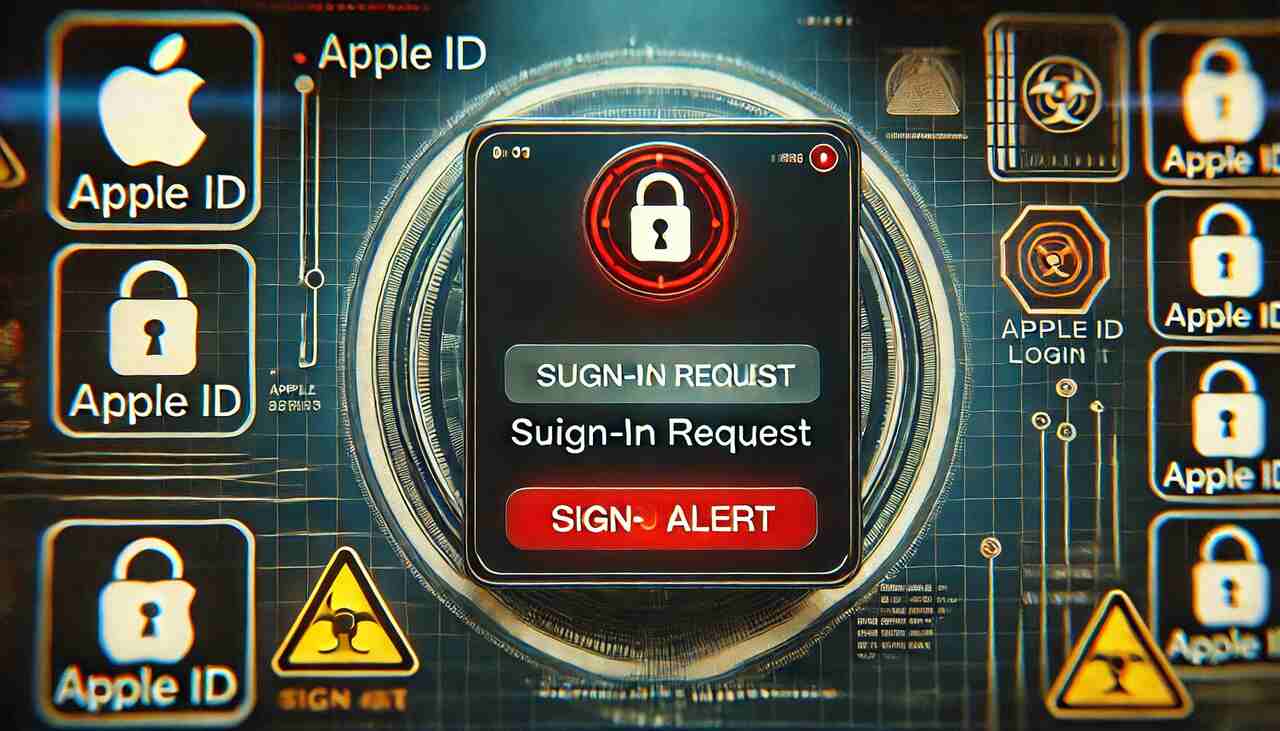
What Is the New Apple ID and Password Attack?
A sophisticated phishing attack is targeting Apple users by mimicking official Apple ID login prompts. Cybercriminals use deceptive pop-ups, emails, and fake websites designed to harvest login credentials. These attacks exploit user trust in Apple’s ecosystem, making them highly dangerous.
Read Also: Gmail, Outlook, and Apple Mail Face Growing AI-Powered Cyberattack Threat
How Does This Attack Work?
Hackers employ social engineering tactics to trick users into providing their Apple ID and password. The attack typically follows these methods:
-
Fake Apple Pop-Ups on Websites and Apps
Malicious websites and compromised apps display fraudulent pop-ups resembling Apple’s official authentication request. Users are prompted to enter their Apple ID credentials, unknowingly handing them over to attackers. -
Phishing Emails Disguised as Apple Alerts
Cybercriminals send fake Apple emails with urgent warnings about unauthorized access, payment failures, or account suspension. These emails contain links directing users to cloned Apple login pages where credentials are stolen. -
Credential Stealing Through Fake Sign-In Requests
Some attackers use push notifications or SMS messages with fraudulent sign-in requests, asking users to approve access to a new device. If the user confirms, hackers gain control over their account. -
iCloud and Two-Factor Authentication Bypass Attempts
Attackers trick users into providing their Apple ID credentials and two-factor authentication (2FA) codes, allowing them to take full control of the account, including iCloud backups and linked devices.
Read Also: Elon Musk Claims First Mission to Mars Will Launch in 2026, Is It Feasible?
How to Protect Your Apple ID from This Attack?
Users must take proactive security measures to prevent falling victim to this phishing scam. Key protective actions include:
-
Never Enter Credentials in Pop-Ups
Apple does not request login credentials via random pop-ups. Always navigate to the official Apple website or settings menu to verify login requests. -
Verify Email Senders and URLs
Before clicking any email link, check the sender’s address. Official Apple emails originate from “@apple.com.” Avoid interacting with emails containing urgent threats or unrecognized links. -
Enable Two-Factor Authentication and Use a Strong Password
Activate two-factor authentication (2FA) for your Apple ID to add an extra layer of security. Use unique passwords and a trusted password manager to avoid credential reuse. -
Monitor Account Activity and Security Alerts
Regularly check for unauthorized login attempts by reviewing Apple ID sign-in notifications. If suspicious activity appears, immediately change your password.
What to Do If You Suspect Your Apple ID Was Compromised?
If you believe you have entered your Apple credentials on a fraudulent site, take these immediate steps:
- Change Your Password: Update your Apple ID password through the official Apple website.
- Enable Two-Factor Authentication: If not already activated, set up 2FA to prevent unauthorized access.
- Check Account Activity: Review recent sign-in attempts and log out of any unknown devices.
- Report the Attack to Apple: Forward phishing emails or suspicious messages to reportphishing@apple.com.
Staying alert against phishing scams helps protect personal data and prevent unauthorized access to Apple accounts. Users should always verify login requests and be cautious of any unexpected prompts requesting credentials.
